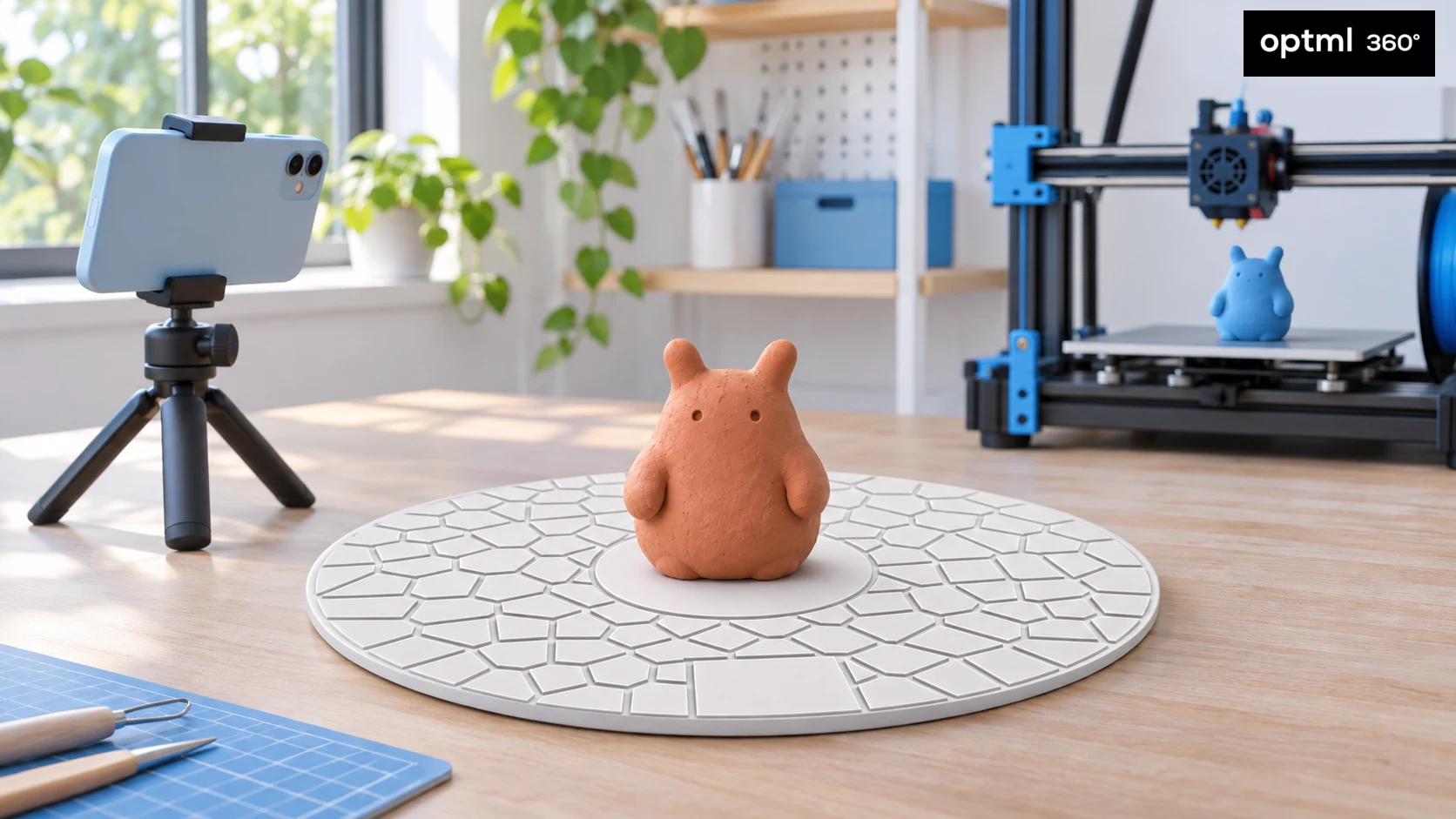
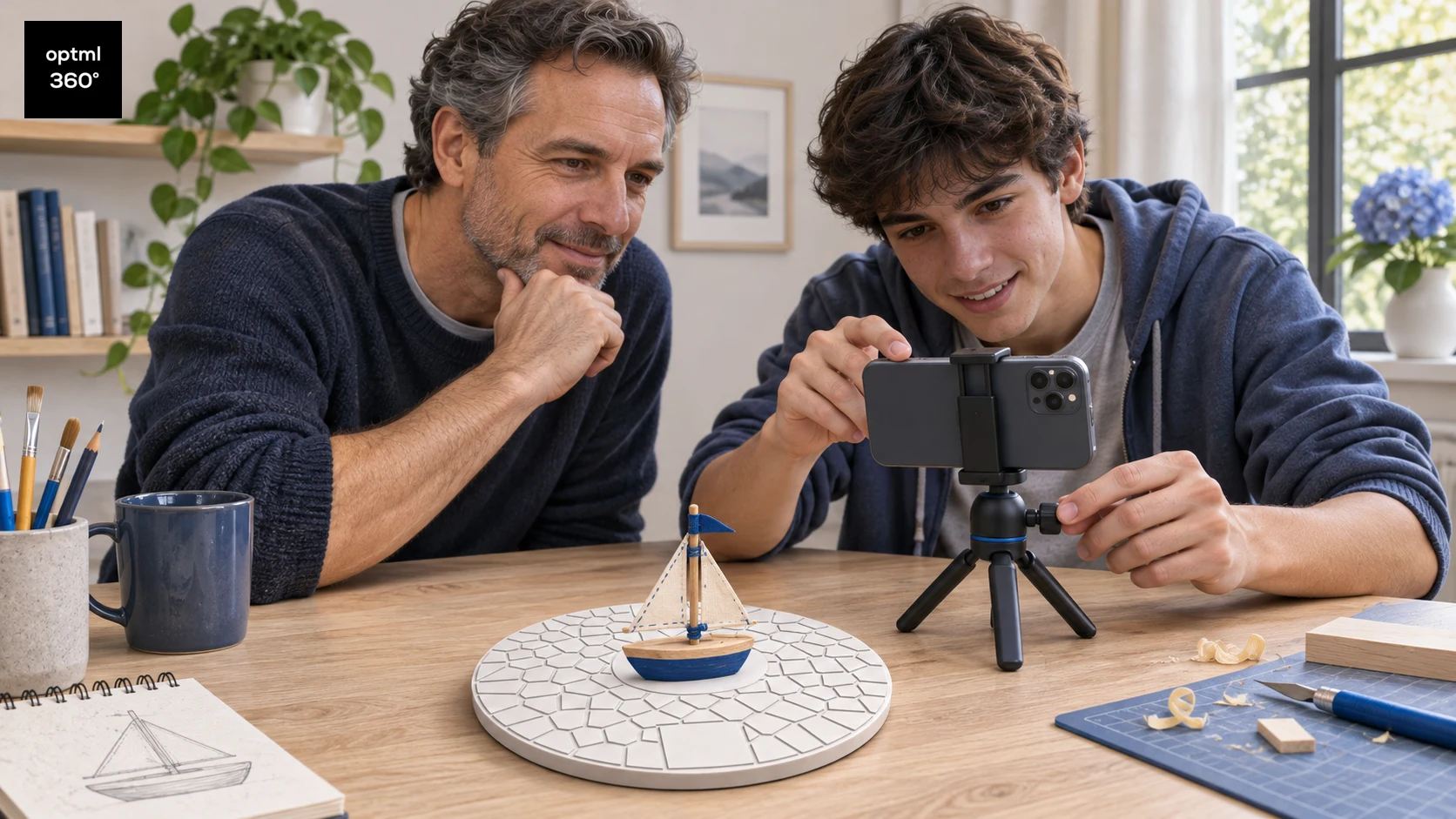
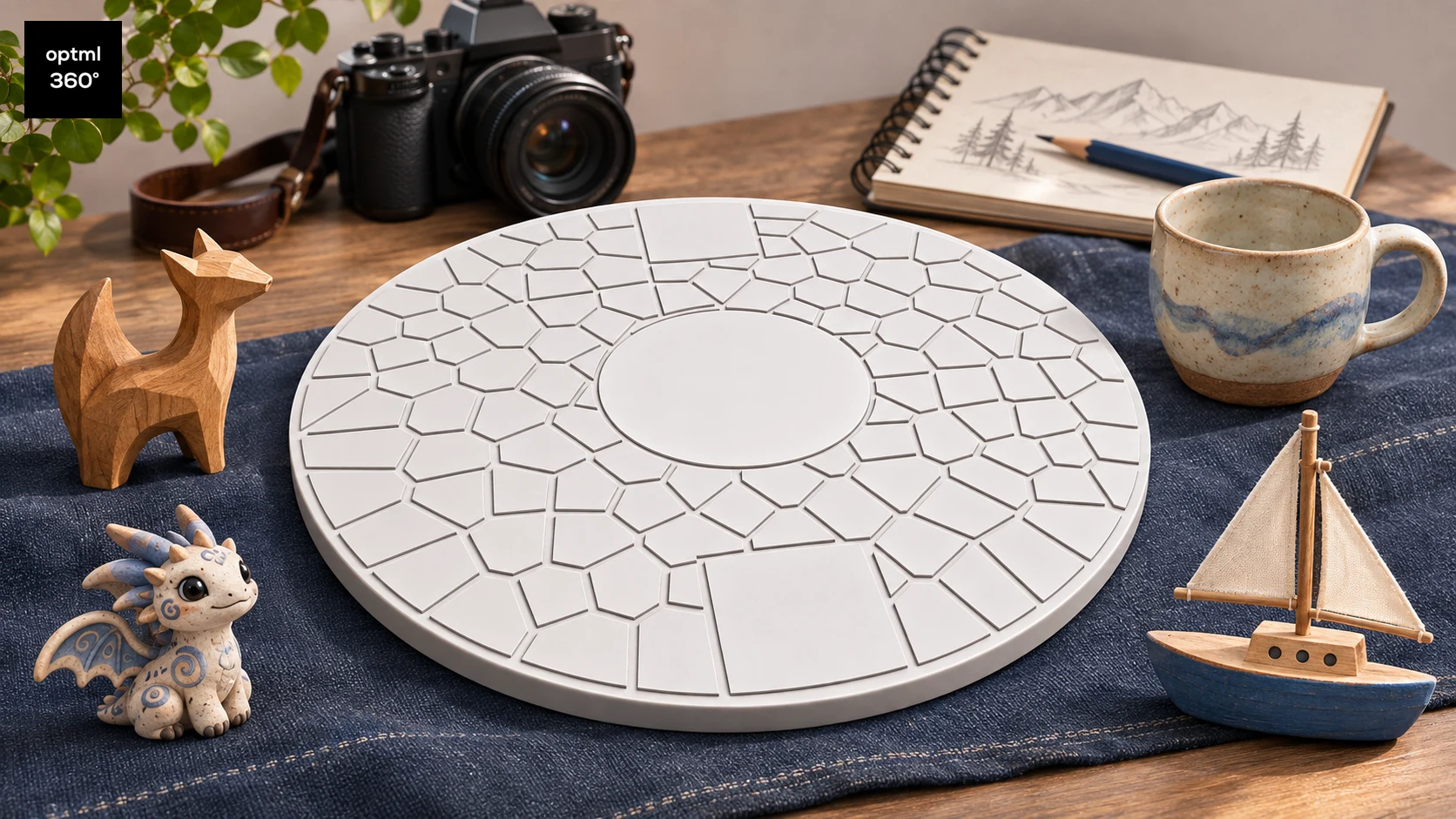
Erstellen Sie messbare 3D-Produktscans und E-Commerce-fähige 360°-Ansichten mit dem Smartphone oder der Kamera, die Sie bereits besitzen. Halten Sie die Disc im Bild, damit die Optimal 360-Aufnahme-App sie automatisch erkennt.
CaptureScale
Schalten Sie vom ersten Tag an reale Messungen und korrekt skalierte 3D-Ergebnisse frei.
CaptureMesh
Unlock downloadable mesh models suitable for 3D printing and further editing. Coming soon, in active development, and included with every CaptureDisc™.
CaptureMatch
Unlock color-reference processing with a separate CaptureDisc™ color-reference add-on. Coming later.
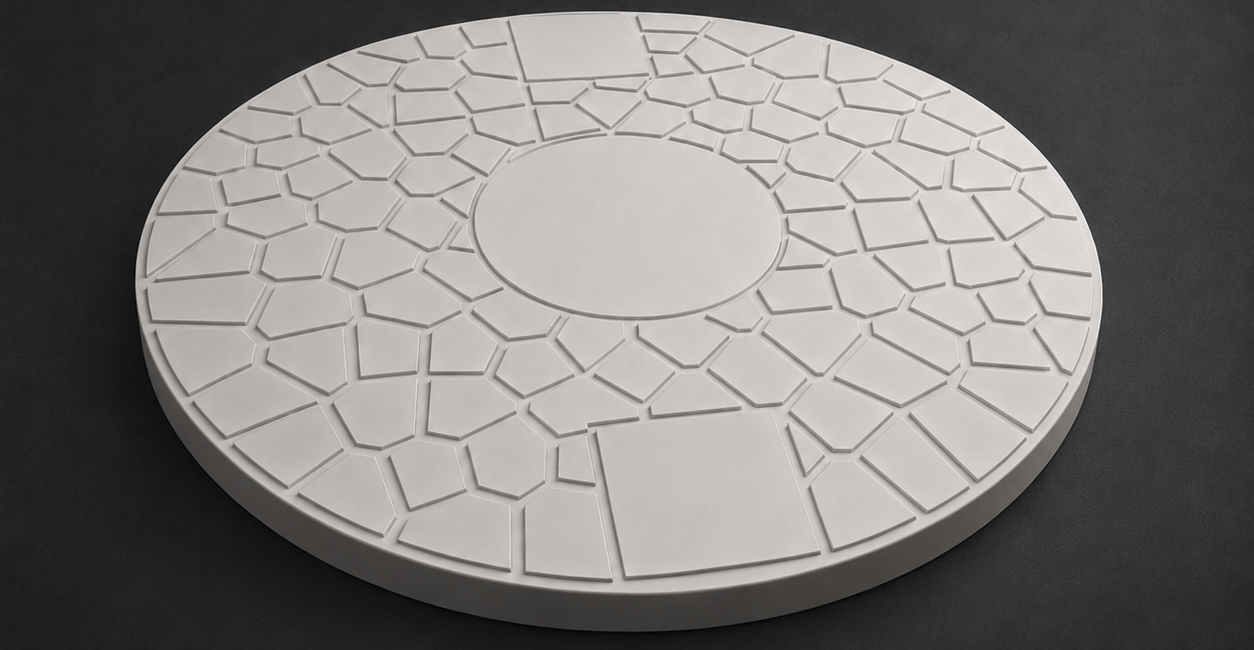
CaptureDisc™ Basic adds known size, geometry, and a trackable visual pattern beneath your object. Those references give Structure from Motion (SfM) stronger correspondences from frame to frame, improving tracking and reconstruction across many kinds of products.
For ecommerce
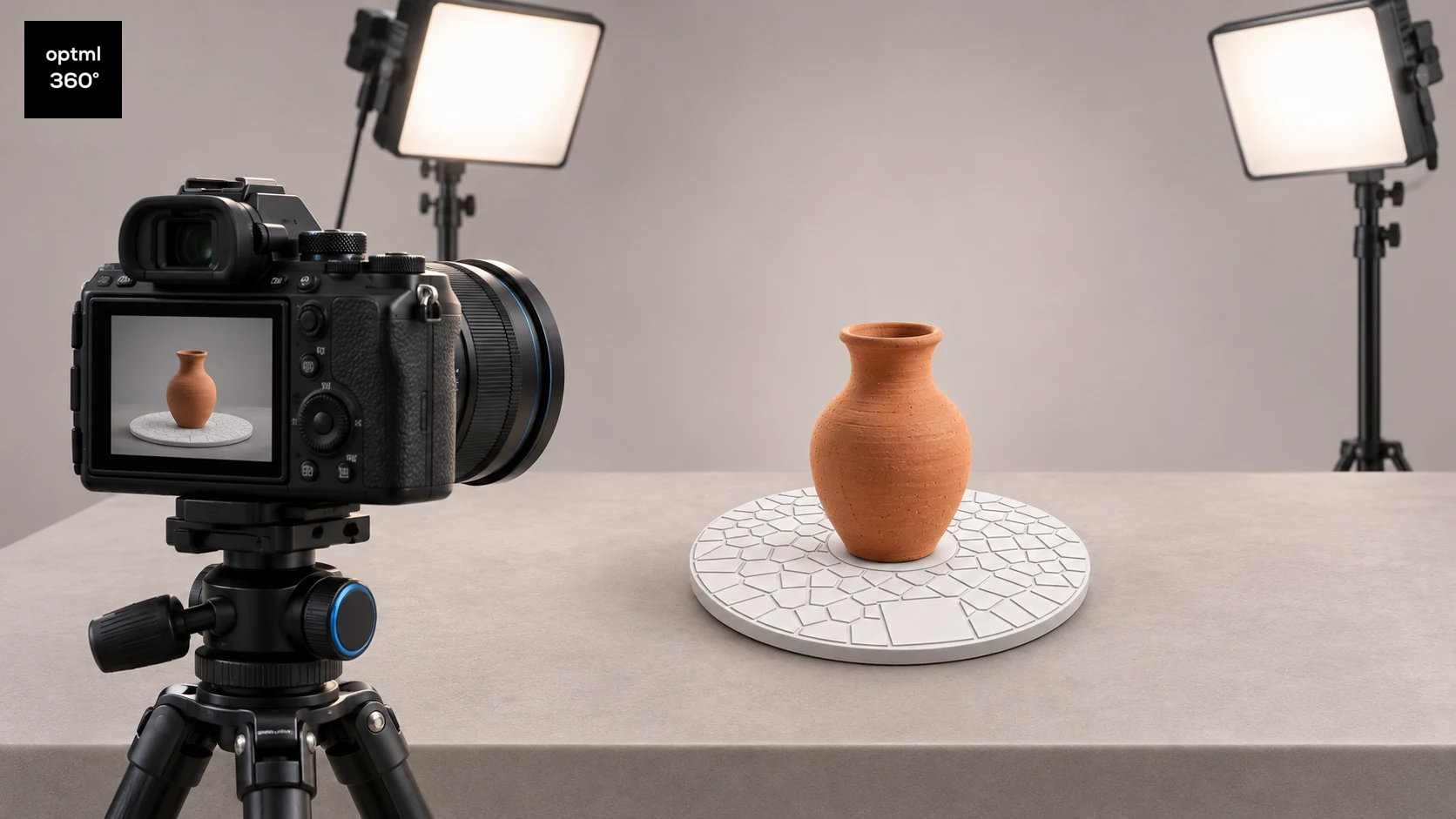
For photo 3D scanning on a studio turntable, the product and disc rotate as one trackable subject. That helps Optimal 360 create more reliable 360° product photos and 3D results for catalogs, product pages, and immersive shopping experiences. Use Auto Studio for a guided workflow, or switch to Pro Manual for direct control in the app.
For scanning and 3D printing
Starten Sie mit einem kompatiblen Smartphone oder einer Kamera, statt teure spezielle Scan-Hardware zu kaufen. Mit CaptureScale View in Room können Sie eine Aufnahme teilen, damit andere sie auf Android oder iPhone im eigenen Raum in Originalgröße ansehen. CaptureMesh soll später 2026 Exportoptionen ergänzen.
Optimal 360 erkennt CaptureDisc automatisch und aktiviert die erweiterte Verarbeitung sowie CaptureScale View in Room. Teilen Sie eine Aufnahme, damit andere sie per Augmented Reality im eigenen Raum ansehen können. CaptureScale View in Room ist auf Android und iPhone verfügbar.
Use it with or without a turntable
CaptureDisc™ works with both common shooting styles. Choose the one that fits your object, space, and production workflow.
On a turntable
Capture a full rotation in about 30 seconds or longer while the camera stays steady and the object and disc rotate together. A solid-color studio background and soft, diffuse lighting help produce sharp, well-ordered frames for SfM, photogrammetry, and 3DGS software.
Leave the object and disc in place, then move smoothly around them with your camera. The disc provides the same reference without adding more equipment or requiring a specific background. Without a studio turntable, you also have more freedom to use artistic lighting effects, including natural sunlight.
Captured with CaptureDisc™ Basic
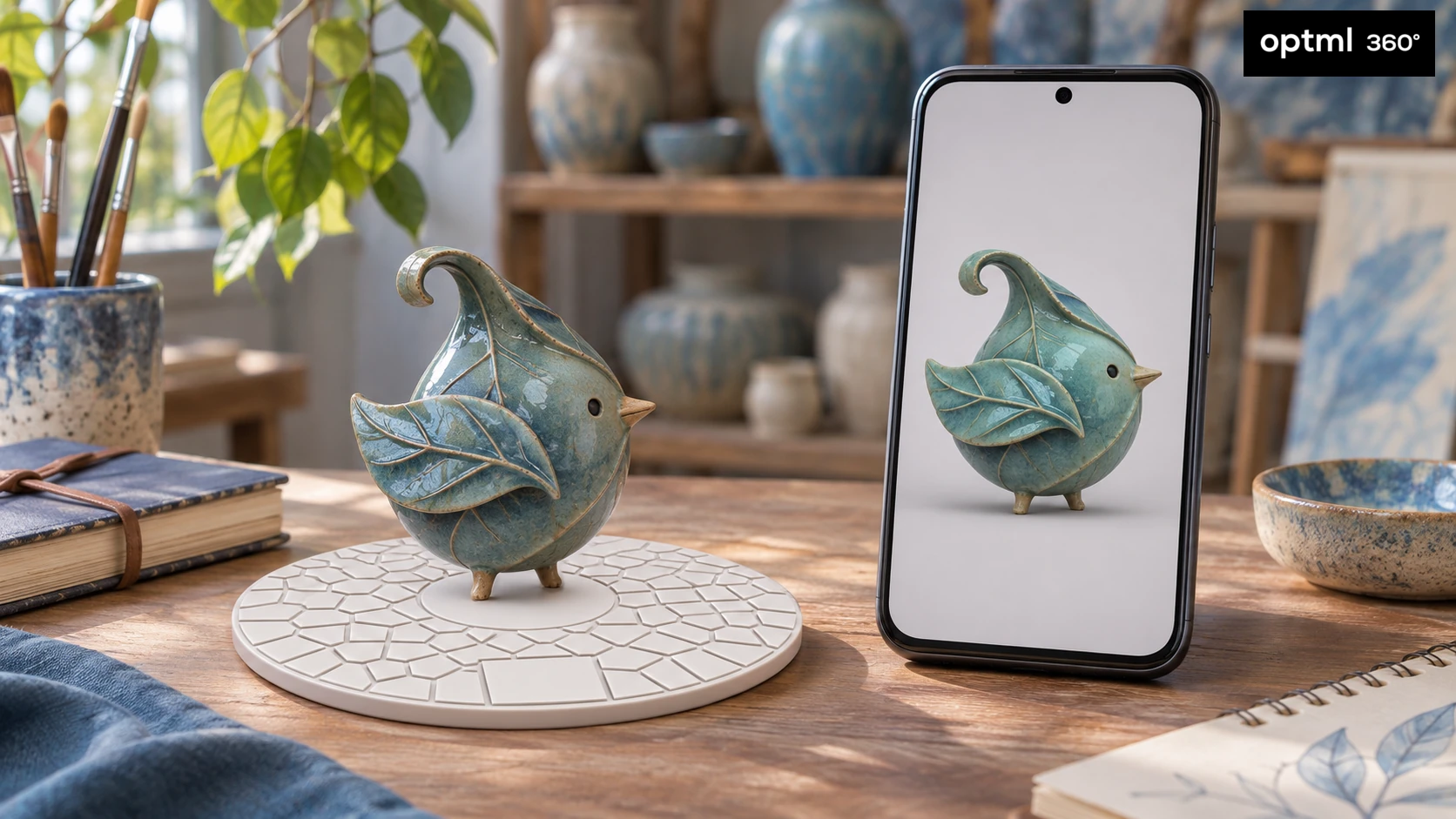
CaptureDisc™ in action
This interactive bird figurine was recorded with CaptureDisc™ Basic and the Optimal 360 app.
Shoot normally
Put the object on the disc and record a 3D photo scanning sequence with or without a turntable. No specific background is required; for studio turntable capture, use a solid-color background, soft diffuse lighting, and a rotation of at least 30 seconds.
Recognition is automatic
Optimal 360 detects CaptureDisc™ in the footage and applies the enhanced processing path—no manual switch or code is needed.
Use the result
CaptureScale View in Room ist auf Android und iPhone verfügbar.
Choose the right capture tool
CaptureDisc™ vs. a 3DGS Scanner Device
Compare
CaptureDisc™ Basic
Creality PIKA
Hardware
Durable passive disc
Dedicated electronic scanner
Use your camera
Yes—your camera or device
No—PIKA required
Ecommerce 360°
Purpose-built workflow
Not purpose-built
Pro Color Workflow
Auto Studio • Pro Manual • CaptureMatch soon
Reference matching not advertised
SfM tracking
Added visual anchors
Different scan method
View in Room AR
Unterstützte Android-Geräte und iPhones
Check current AR support
3DGS capture
Available now
Coming soon
Printable meshes
CaptureMesh—coming soon
Available now
Single objects
Purpose-built
Supported
Environments
Not room-scale
Not room-scale
Price
$14.99 + scan pack*
$699 list
Creator plan
~$9/mo • 10 scans • 4K*
None advertised
*The $14.99 introductory price includes an official-store scan-pack activation code. Code redemption is coming soon. Ongoing Creator processing is approximately $9/month with annual billing and includes 10 scans per month at 4K quality. †PIKA's “up to 0.03 mm” accuracy is Creality's laboratory-condition claim; actual results vary. PIKA information checked September 2026 using Creality's product page and US store.Creality and PIKA are trademarks of their respective owners. CaptureDisc™ and Optimal 360 are not affiliated with, sponsored by, or endorsed by Creality.
View in Room für Android und iPhone
CaptureScale View in Room funktioniert auf Android und iPhone. Teilen Sie einen Link, damit andere Ihren Scan im eigenen Raum ansehen können, ohne die App zu installieren.
CaptureMesh and CaptureMatch
CaptureMesh exports are in active development and will be included with every CaptureDisc™ once they launch. CaptureMatch will follow with color-reference processing and will require a separate CaptureDisc™ color-reference add-on.
Official-store benefits are coming soon
CaptureDisc™ products ordered from the official store at consum3d.com include a scan-pack activation code. Redemption is coming soon, so the included pack lets you get started before moving to an ongoing plan.
No specific background required; a solid-color studio background and soft, diffuse lighting are recommended for turntable capture
Capture Styles
Handheld walk-around or turntable capture
Recommended Turntable Setup
Consumer motorized turntable; solid-color studio background; 30+ seconds per revolution
Compatible With
Optimal 360 (best experience). For studio turntable captures: Jawset PostShot, LichtFeld Studio, Agisoft Metashape, RealityCapture, RealityScan, and similar 3DGS, SfM, and photogrammetry software.
Features
CaptureScale View in Room auf unterstützten Android-Geräten und iPhones; CaptureMesh und CaptureMatch für später 2026 geplant
Use Cases
Small-object scanning, ecommerce 360° product photography, 3D printing workflows, Gaussian Splatting, and radiance-field reconstruction