
CaptureDisc guide
CaptureDisc for 3D Printing Enthusiasts
Bring your creations into 3D printing with CaptureMesh for printable models and CaptureScale for accurate scale and close reproduction.
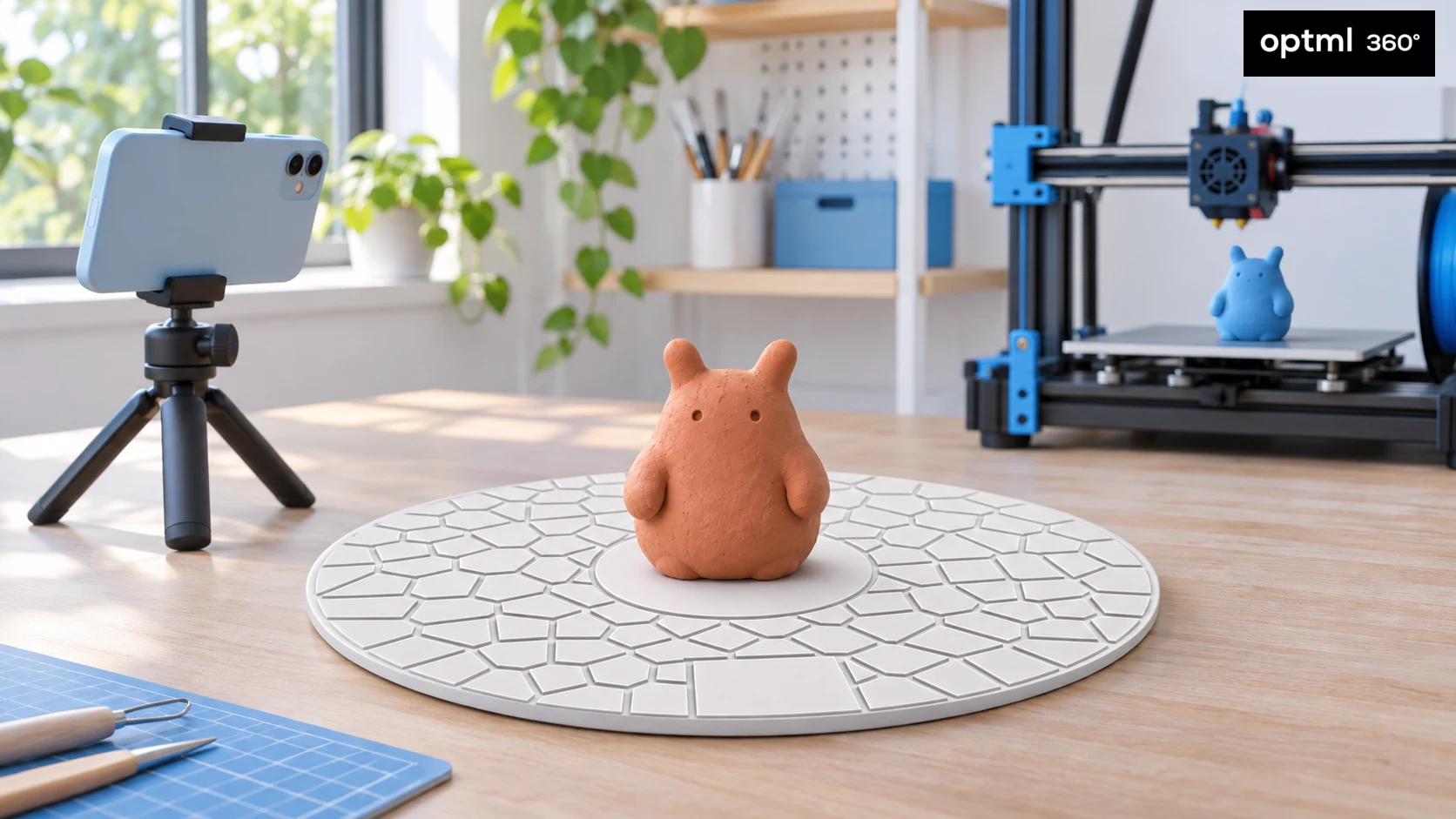
A small sculpture, a handmade model, or a piece you want to develop further can be the starting point for your next 3D printing project. CaptureDisc helps you capture it with the phone or camera you already own. CaptureMesh turns the scan into a 3D-printable model, while CaptureScale maintains accurate scale for a close reproduction of your original.
That opens up a useful direction for a hobby that often starts with a downloaded file or a design on a screen. You can begin with something you made by hand, capture its shape, and decide what to do with it next.
Give the capture more to follow
CaptureDisc is a passive photographic reference that sits beneath your subject. Its visible pattern adds features for the reconstruction software to follow, while its known size provides a scale reference. There is nothing to charge or pair.
This is particularly helpful on a turntable, where a smooth or repetitive object can give the software few distinctive features to track. Keep the disc visible and rotate it with the object. The patterned reference can help the software estimate how the subject moves between frames.
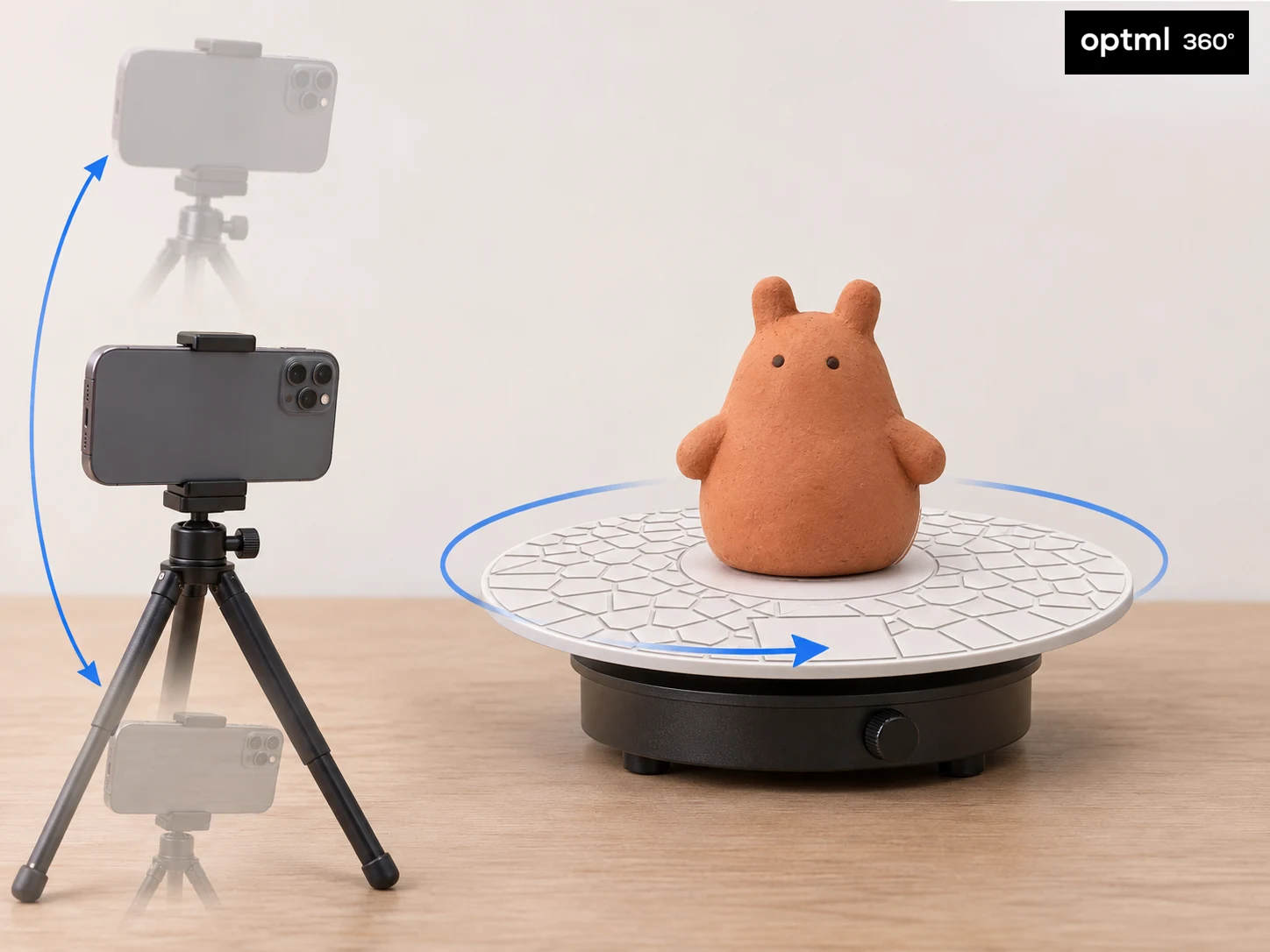
You can also leave the disc and object in place and move your camera around them. The aim is the same in either setup: sharp, overlapping views with enough of the reference visible.
Explore a clay character in 3D
press and move to interact
Choose a useful first project
Start with a small, matte object that has visible surface detail and a stable base. A sculpture you made, a hand-shaped prototype, or your own tabletop scenery can be easier to learn with than a polished metal ornament or a transparent bottle.
Choose something you would love to make again. Reproduce your sculpture at its original size, make a miniature version, or turn your own tabletop scenery into a matching set. Start with your creation and let the next idea follow.
Capture with the next step in mind
Place the object near the center of CaptureDisc and leave the patterned surface visible around it. Use soft, even light. Record a slow, complete turn with a steady camera, or walk smoothly around a stationary pedestal such as a stool or table. For a turntable, allow about 30 seconds or longer for a full rotation.
Capture the top and lower edges as well as the sides. Use additional camera-height loops to show more of the object, including surfaces hidden from a single level pass. Clear, complete coverage gives CaptureMesh the detail to work with. CaptureMesh is based on a 3dgs to mesh algorithm that is more detailed and accurate than traditional photogrammetry.
Upload the capture to Optimal 360, explore it in the interactive view, and use CaptureMesh to download your 3D-printable model. CaptureScale carries the original scale into the model, ready for your printing workflow.
From capture to a 3D print
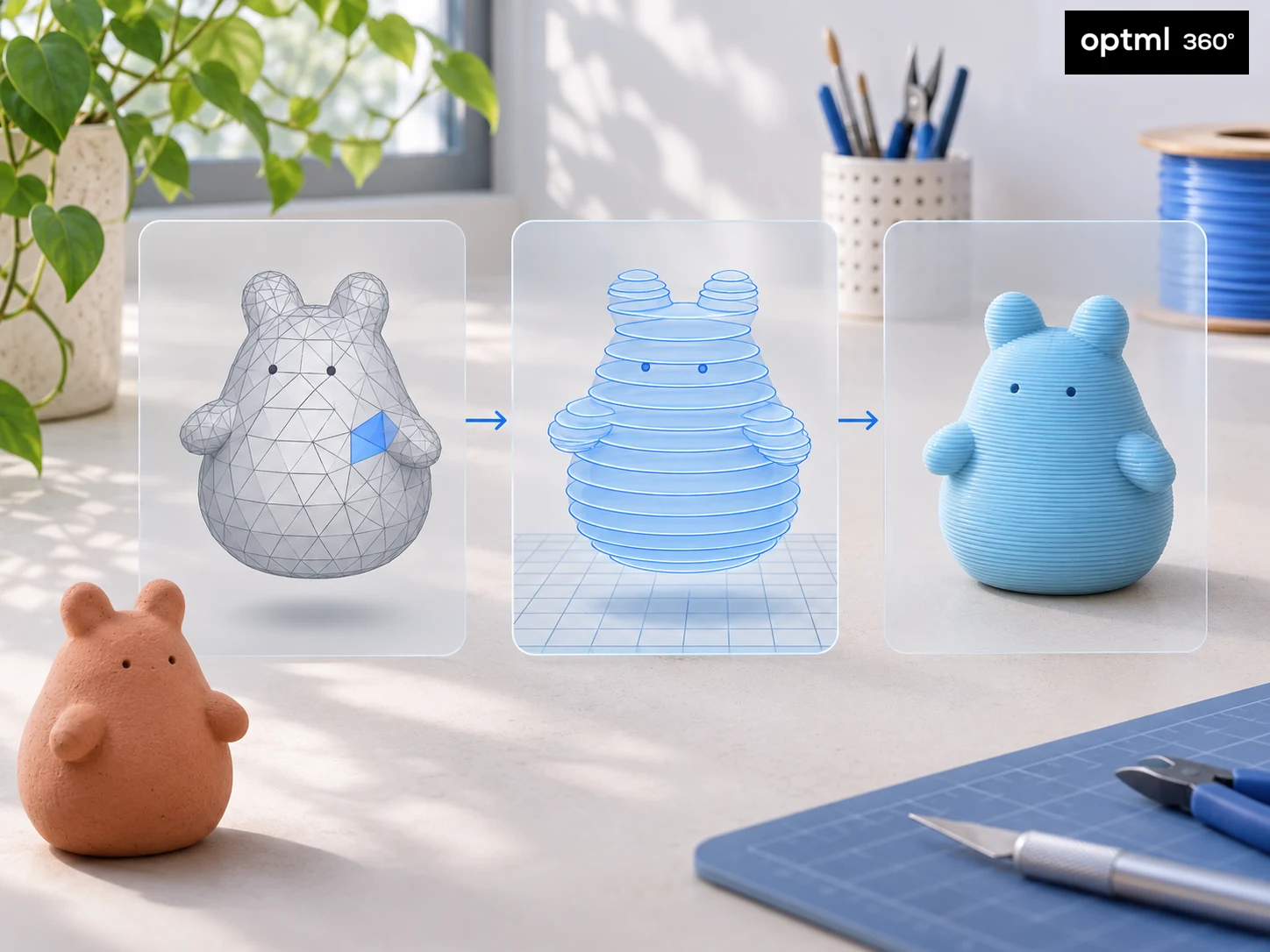
CaptureMesh prepares a 3D-printable model from your scan, taking care of the step between photographic capture and a model you can print. It also supports color 3D printing with 3MF, so you can bring your creation into a color-capable printing workflow.
CaptureScale maintains accurate scale for close reproduction. Keep that scale to print a version close to the original, or deliberately resize it in your slicer to create a miniature or a larger display piece.
Choose the print orientation and your usual printer and material settings in the slicer. Add supports for overhangs where needed, as with other 3D prints, then slice and print. Supports are part of the normal printing setup.
A gift for someone who likes making things
CaptureDisc can be a thoughtful gift for a 3D printing enthusiast who wants to explore objects as starting points for new projects. It gives them a reason to try scanning, learn what makes a good capture, and bring handmade work into a digital workflow.
Pair it with a small object they created and an invitation to capture it together. From a handmade character to a printed companion, CaptureDisc, CaptureMesh, and CaptureScale give them a new way to take an idea from their hands to their printer.
Order CaptureDisc for yourself or as a gift, and choose the first creation you want to bring into 3D printing.
CaptureDisc guides for your interests
Explore ideas for your next project, or find a thoughtful gift for someone who loves creating.
CaptureDisc for Collectors, Artists, Crafters and Sculptors
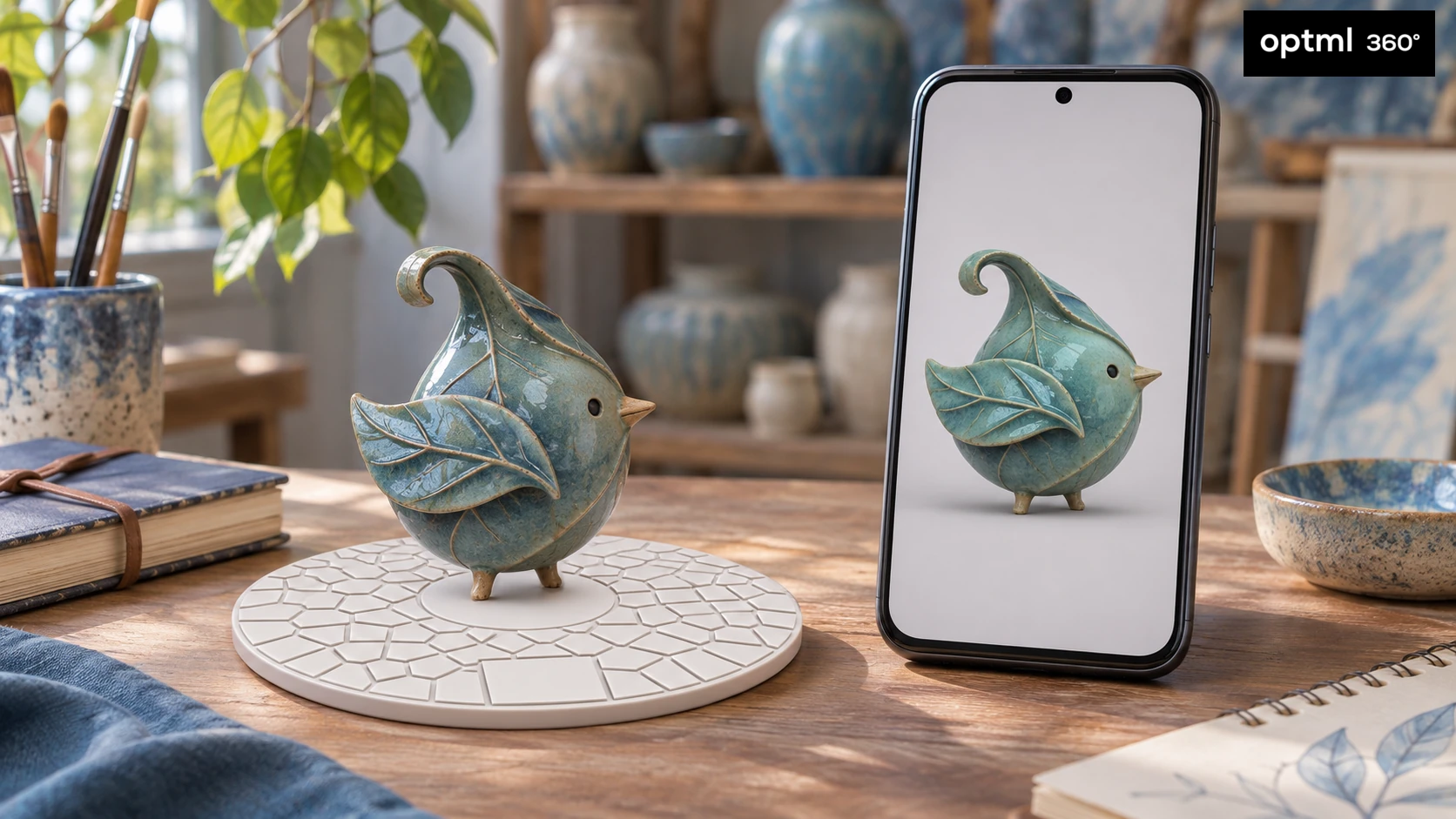
Capture collectibles, art, crafts, and sculptures in 3D. Share every angle and explore real-world scale with CaptureScale View in Room.
Read the guide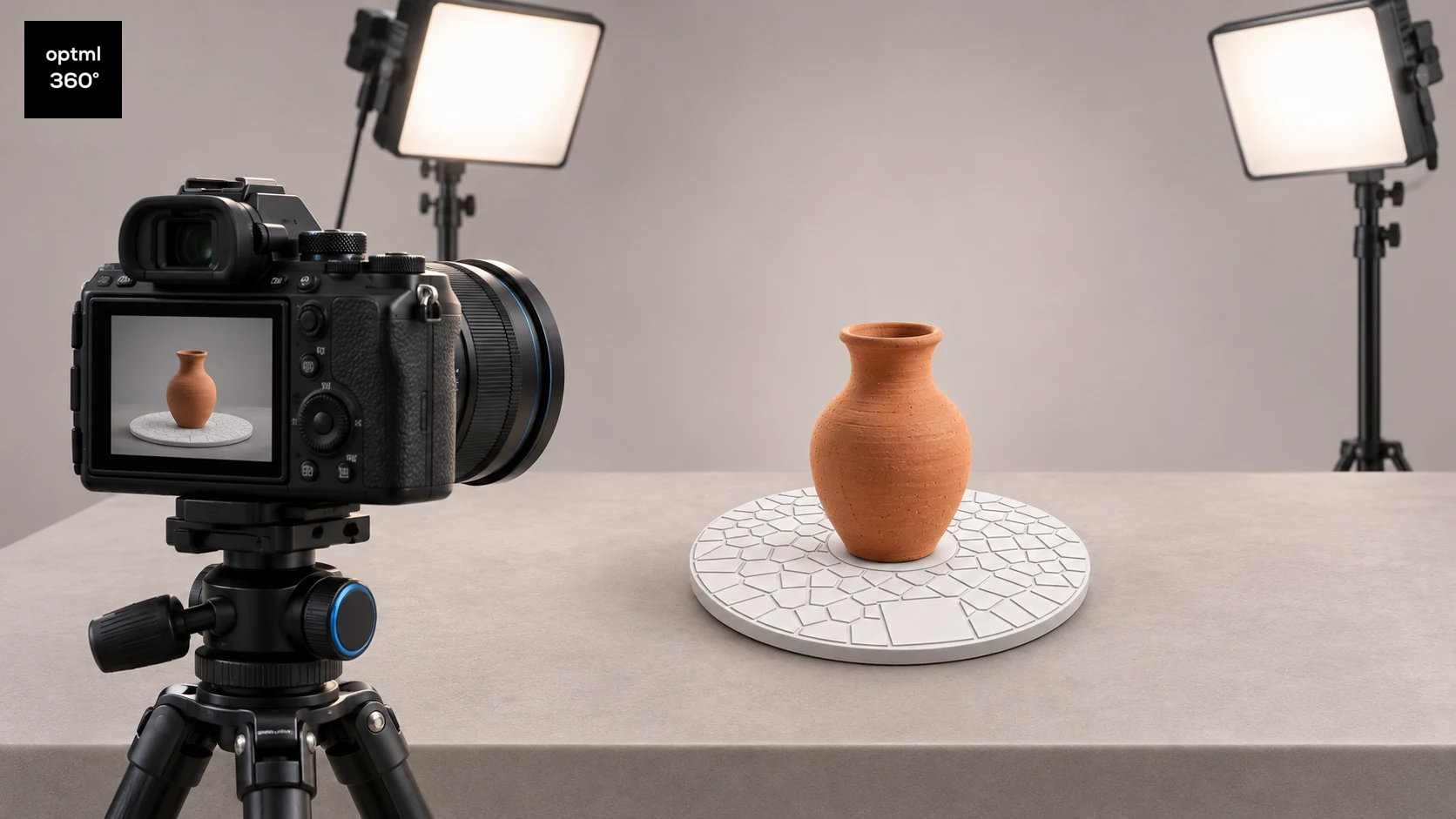
CaptureDisc for Photographers
Add interactive 3D photography to your camera workflow and improve turntable captures with CaptureDisc for product pages, portfolios, and marketing.
Read the guide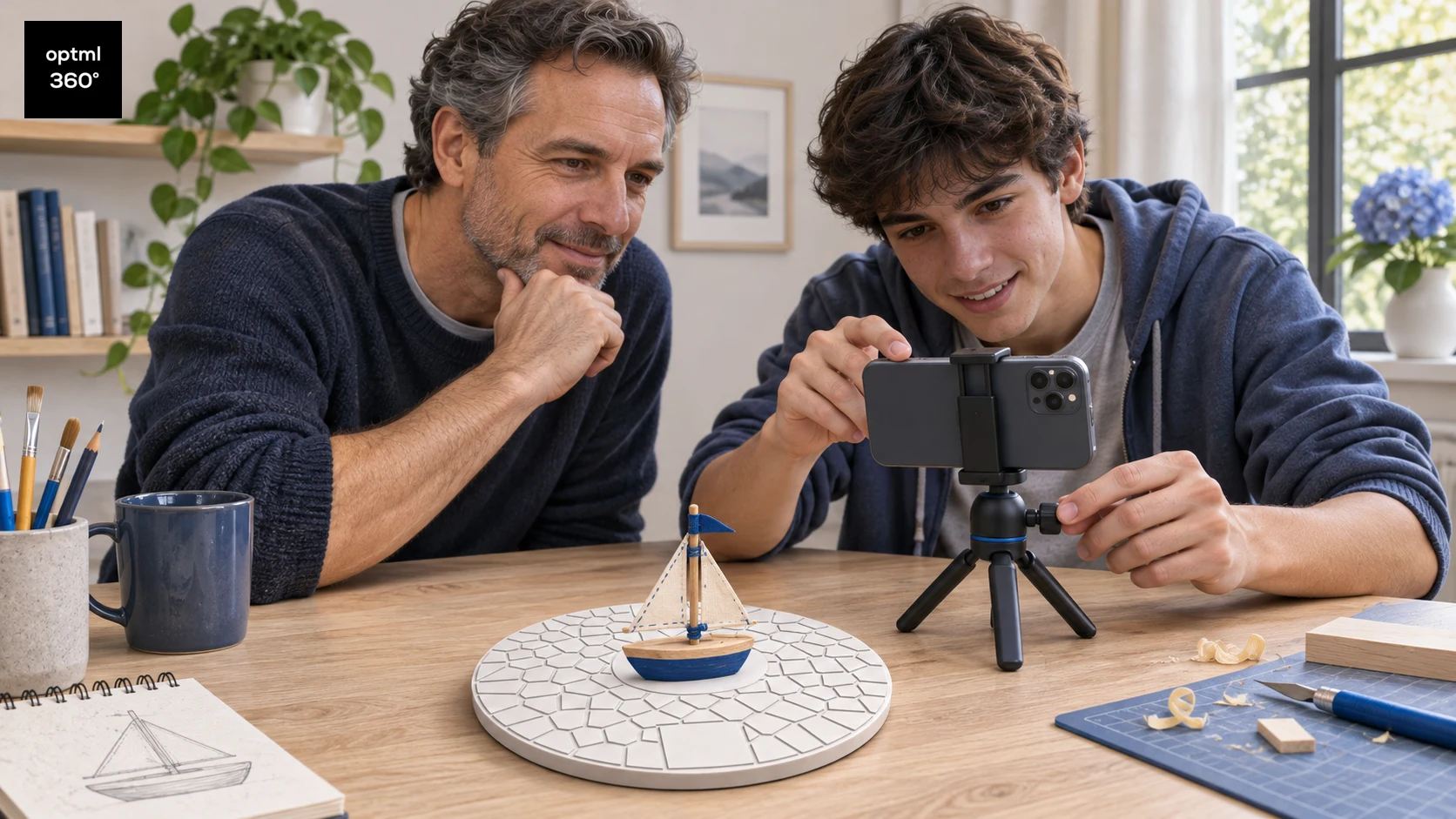
CaptureDisc as a STEM Gift for Children and Teens
Explore 3D scanning, computer vision, and scale with CaptureDisc through parent-led projects for curious children and teens, using toys, handmade models, and family sharing.
Read the guide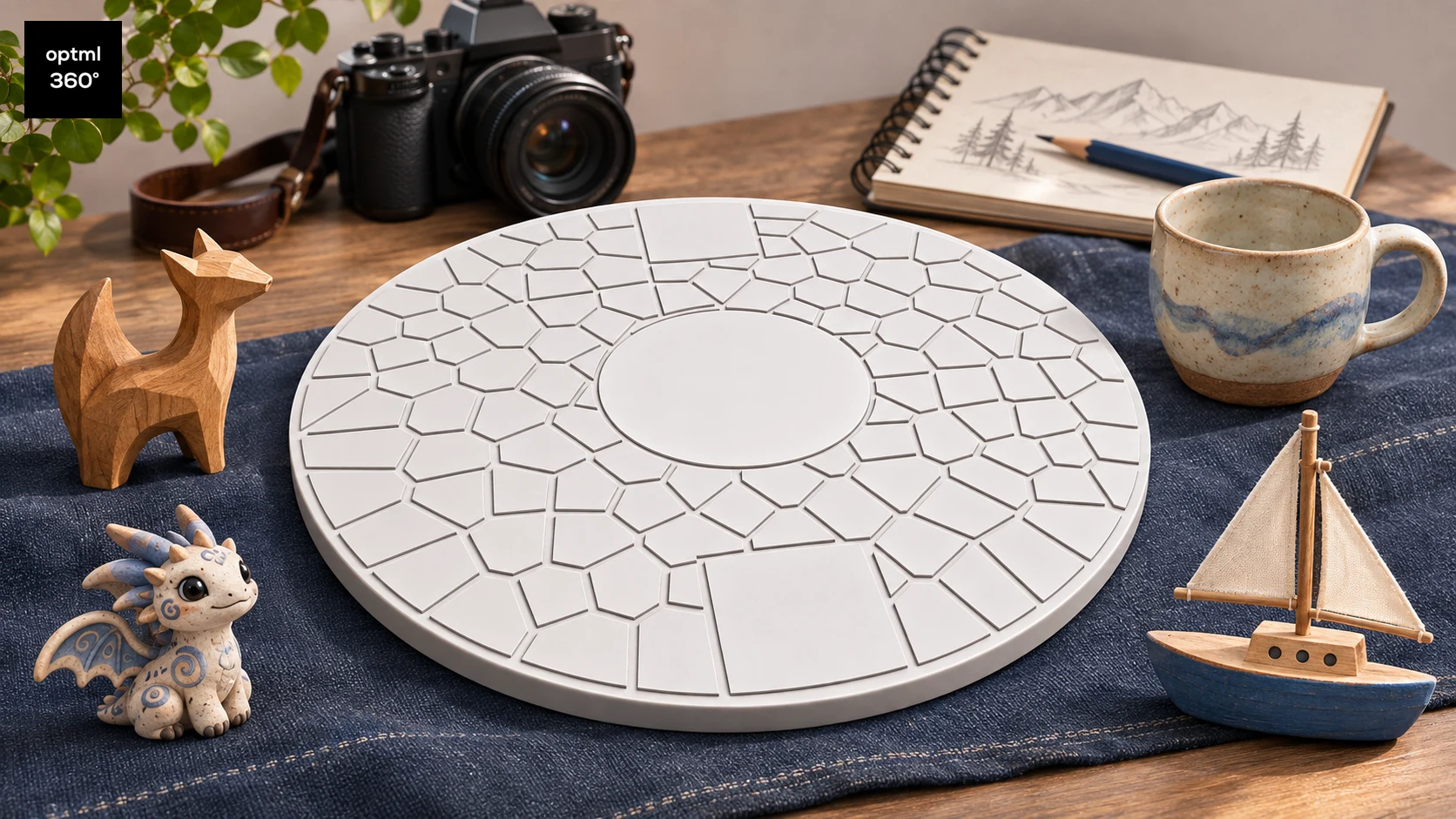
A CaptureDisc Gift Guide for Creative People
Find out who CaptureDisc suits as a gift, from 3D printing enthusiasts, collectors, artists, crafters, and sculptors to photographers and families with STEM-interested children and teens.
Read the guide
Illustrations show possible uses and workflows, not measured product results.