
CaptureDisc guide
CaptureDisc for Collectors, Artists, Crafters and Sculptors
Capture collectibles, art, crafts, and sculptures in 3D. Share every angle and explore real-world scale with CaptureScale View in Room.
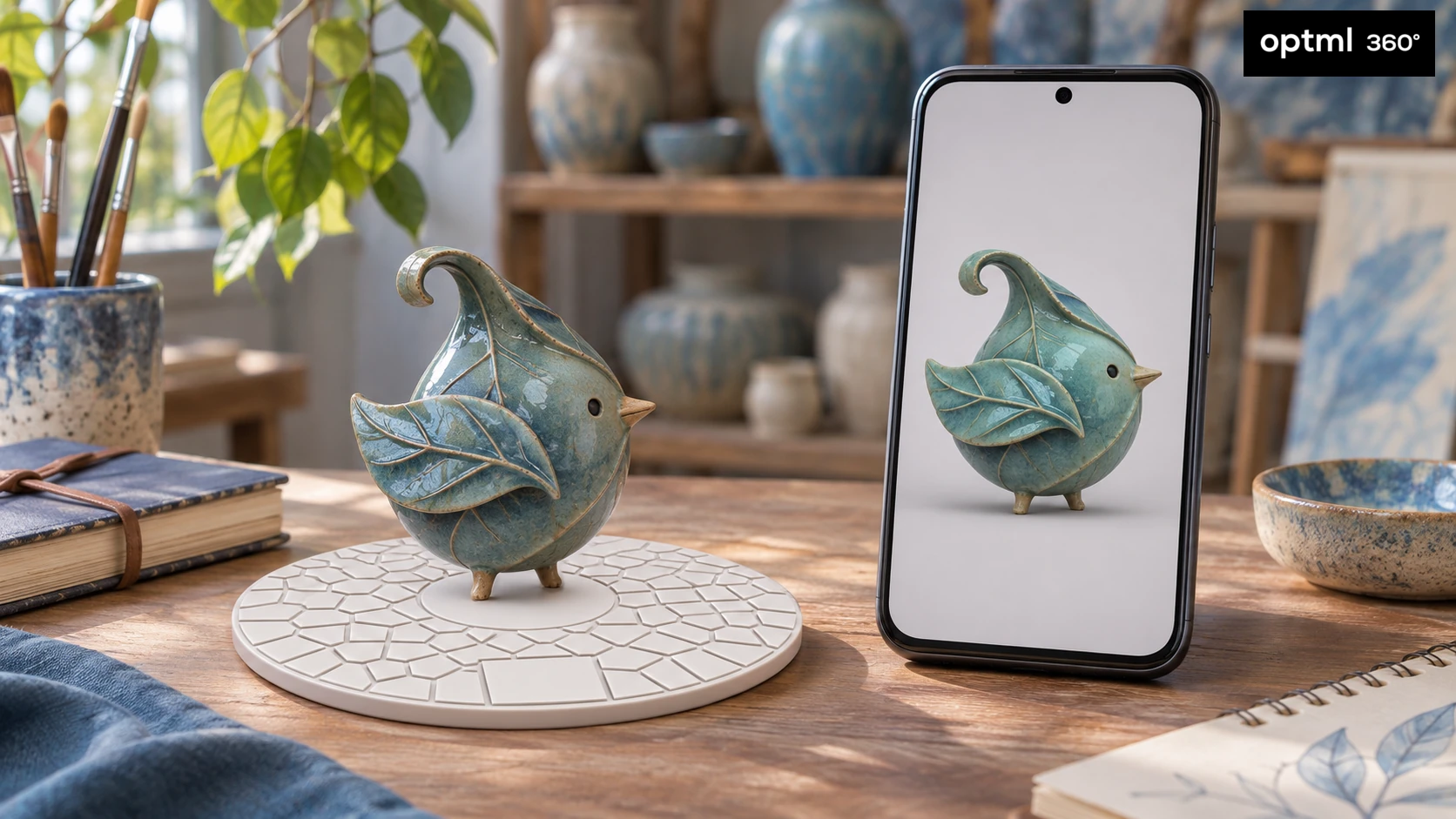
The interesting part of a collectible is not always the front. It might be the sculpted detail on the back, the curve of a ceramic piece, or the way a miniature looks from above. CaptureDisc helps you turn those objects into interactive 3D captures that friends can explore for themselves.
For collectors, that means keeping shareable views of favorite pieces close at hand. For artists, crafters, and sculptors, it offers another way to show the shape and surface of a physical work when the person looking cannot be in the room.
Keep your favorite pieces ready to share
Choose a collectible, artwork, craft piece, or sculpture, place it on CaptureDisc, and record a video, circling the object, with the Optimal 360 app's specialized camera. The disc gives the software a visible reference beneath the object and a known size for determining accurate scale and measurements.
Once the capture has been processed, you can send a sharing link so someone can turn the object around and look at details from different angles. A collector can show a new addition without carrying it to every conversation. An artist, crafter, or sculptor can share a handmade piece alongside the photographs and description already in a portfolio on their website.
Keep the information that gives the piece context: its title, maker, materials, and actual dimensions. An interactive capture adds a new way to explore it, record it, and keep it digitally.
Explore a bird statuette in 3D
press and move to interact
Help someone understand its size
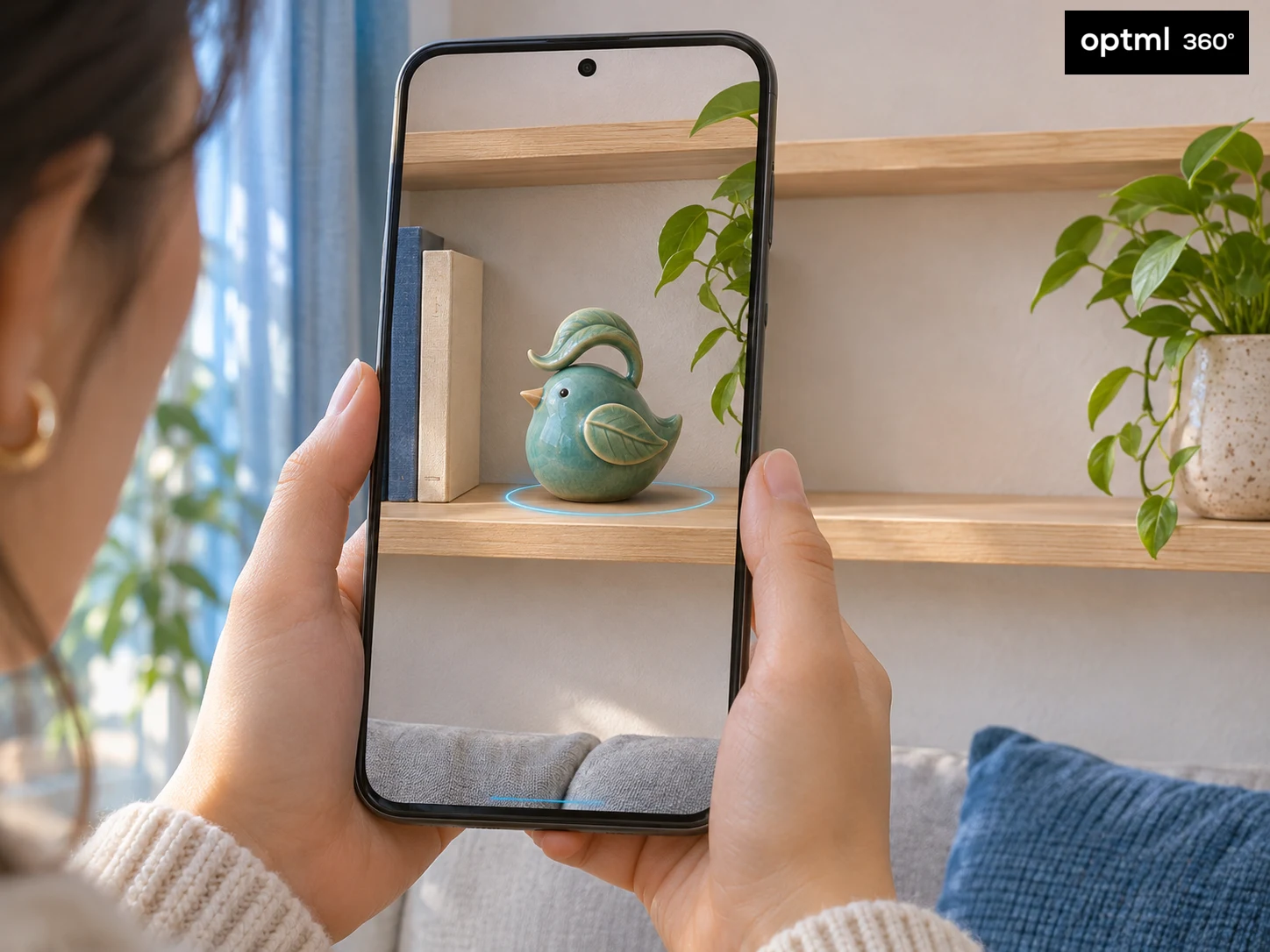
A close-up can make a tiny model look like a large sculpture. CaptureDisc's CaptureScale feature adds real-world scale, and the View in Room feature lets someone place a capture into a view of their own surroundings using augmented reality.
They might see how a collectible would look on a shelf or how a small artwork relates to the space around it. This can make the conversation more concrete than a photograph with no familiar object beside it.
View in Room works on Android devices and iPhones, and does not require installing the app, making it easy for mobile users on a website or via a texted share link.
For a tight display case or a purchase where fit matters, use the object's measured dimensions as well. Measurements from the app are similar to a digital caliper, with greater accuracy than a ruler.
Capture the details you want people to notice
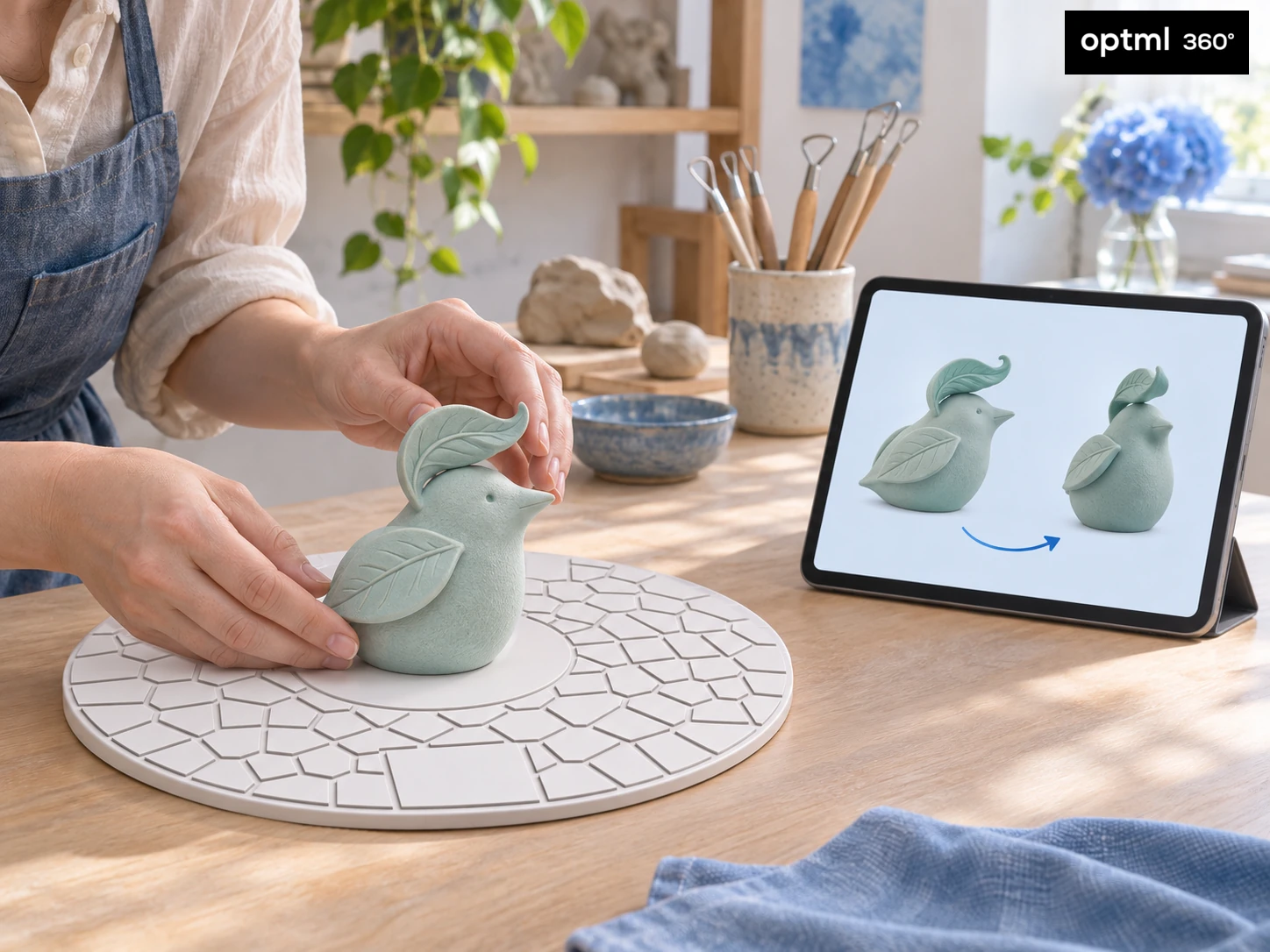
Choose a safe, stable pedestal such as a table or stool and soft, even lighting. Keep the object fully in frame, with enough of CaptureDisc visible around it. Move the camera slowly around the stationary subject, or rotate the object and disc together on a turntable while the camera stays steady.
You can orbit the object multiple times at different angles for an even better result. A higher pass may reveal the top of a sculpture; a lower view can show details near its base. Review the finished capture for gaps or distortion before sharing it.
Start with a piece that has a clear texture and an uncomplicated shape. Do not apply coatings, stick reference marks onto, or otherwise alter valuable or delicate objects just to make a capture easier.
Share the work with its story
A capture can also be a digital copy or record of a piece before it is sold. Artists, crafters, and sculptors can show that work on their website or in a portfolio using a supported embed, subject to their plan's publishing features. Add the story behind it: a finished craft project, the latest version of a sculpture, or a detail you want a collaborator to inspect.
Review what is visible before sending a link. Treat the private sharing links with care if you'd like to keep your work confidential, as with any private share link.
A gift that fits an existing interest
CaptureDisc makes a useful gift idea for a collector who loves showing people the details, or an artist, crafter, or sculptor who wants a new way to present physical work. It gives them a project built around something they already care about.
Choose the disc size to suit the objects and leave room for the pattern to remain visible.
Start with one favorite piece. Capture it carefully, add its story, and let someone else take a closer look.
CaptureDisc guides for your interests
Explore ideas for your next project, or find a thoughtful gift for someone who loves creating.
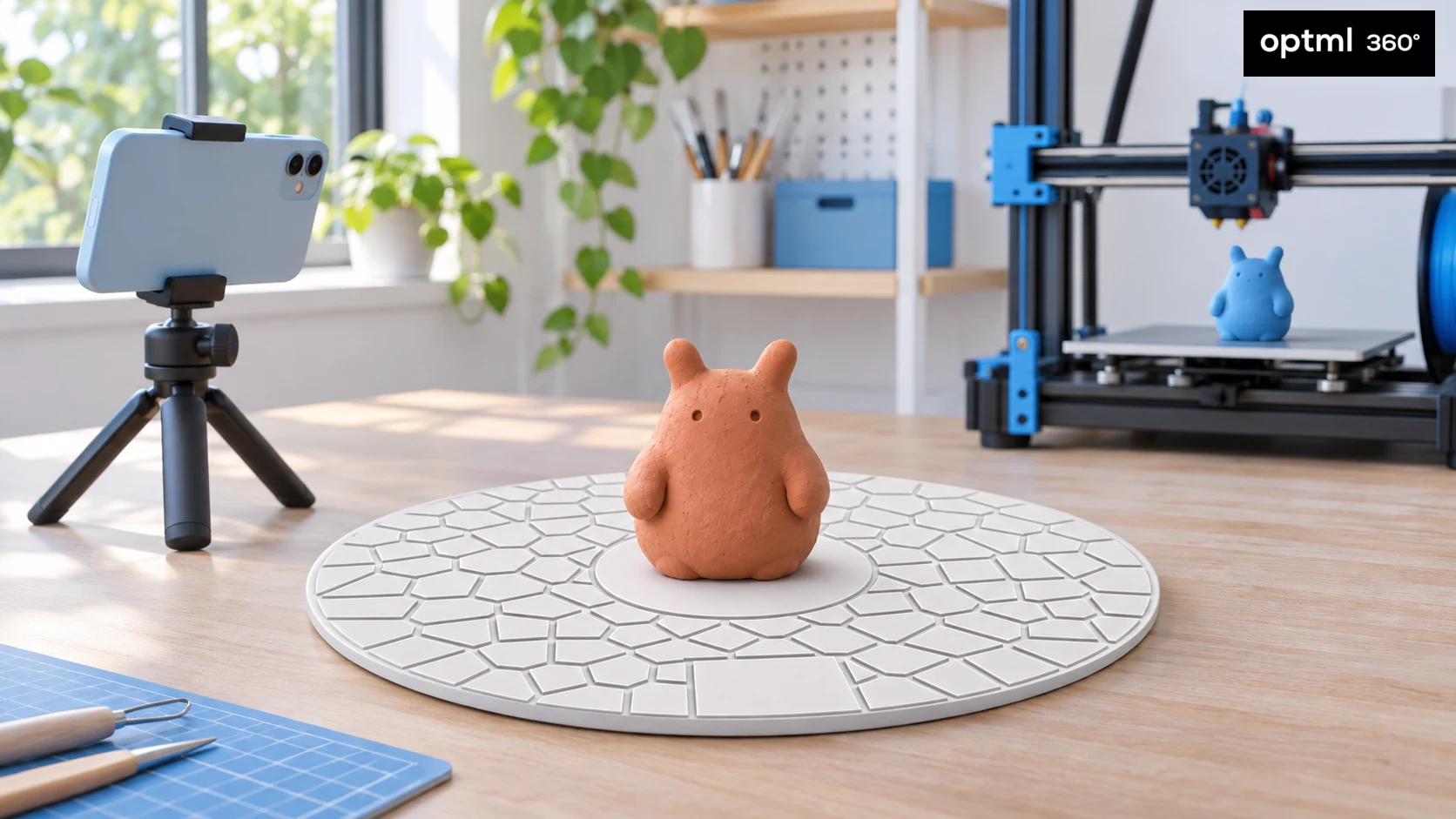
CaptureDisc for 3D Printing Enthusiasts
Bring your creations into 3D printing with CaptureMesh for printable models and CaptureScale for accurate scale and close reproduction.
Read the guide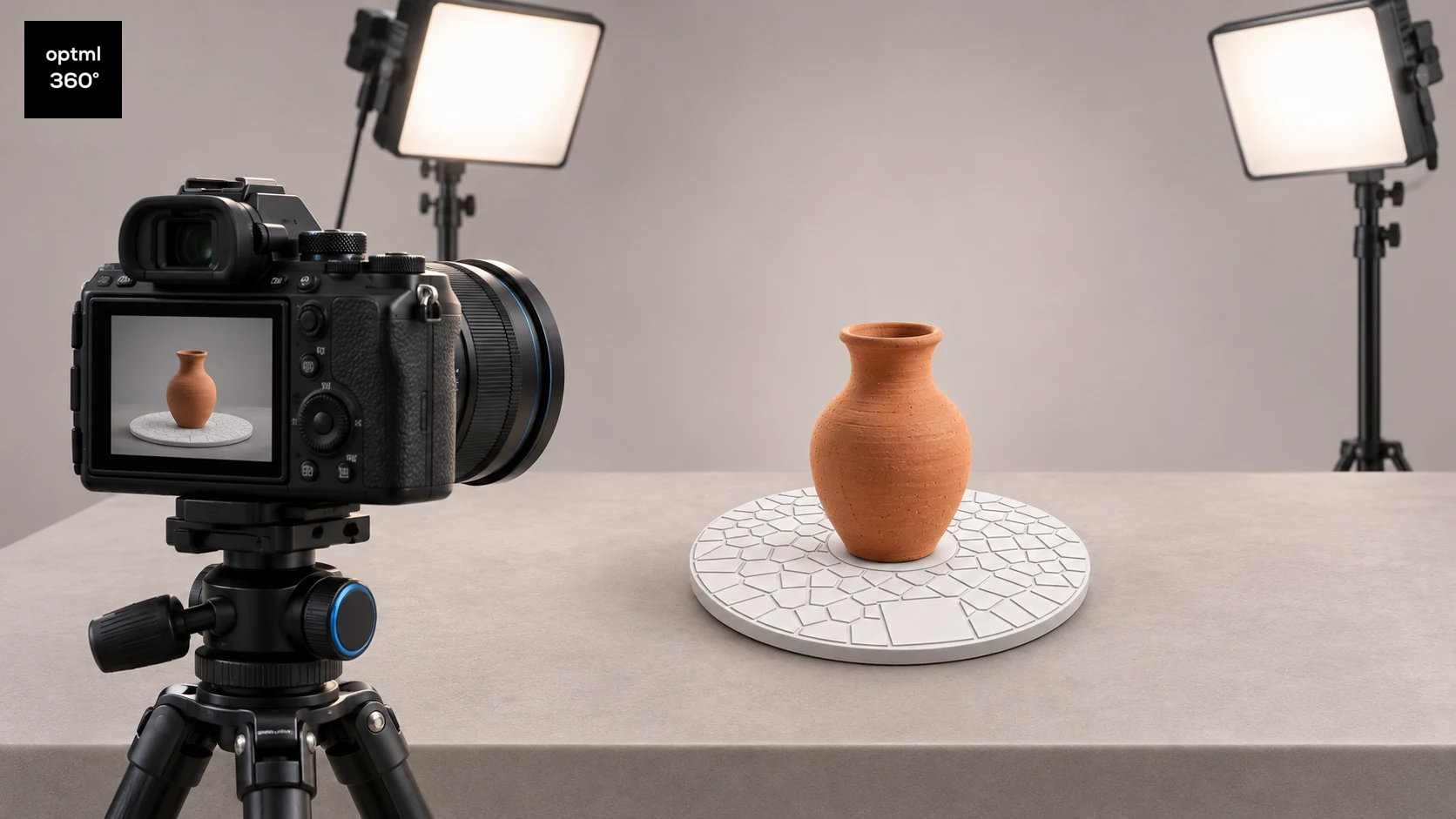
CaptureDisc for Photographers
Add interactive 3D photography to your camera workflow and improve turntable captures with CaptureDisc for product pages, portfolios, and marketing.
Read the guide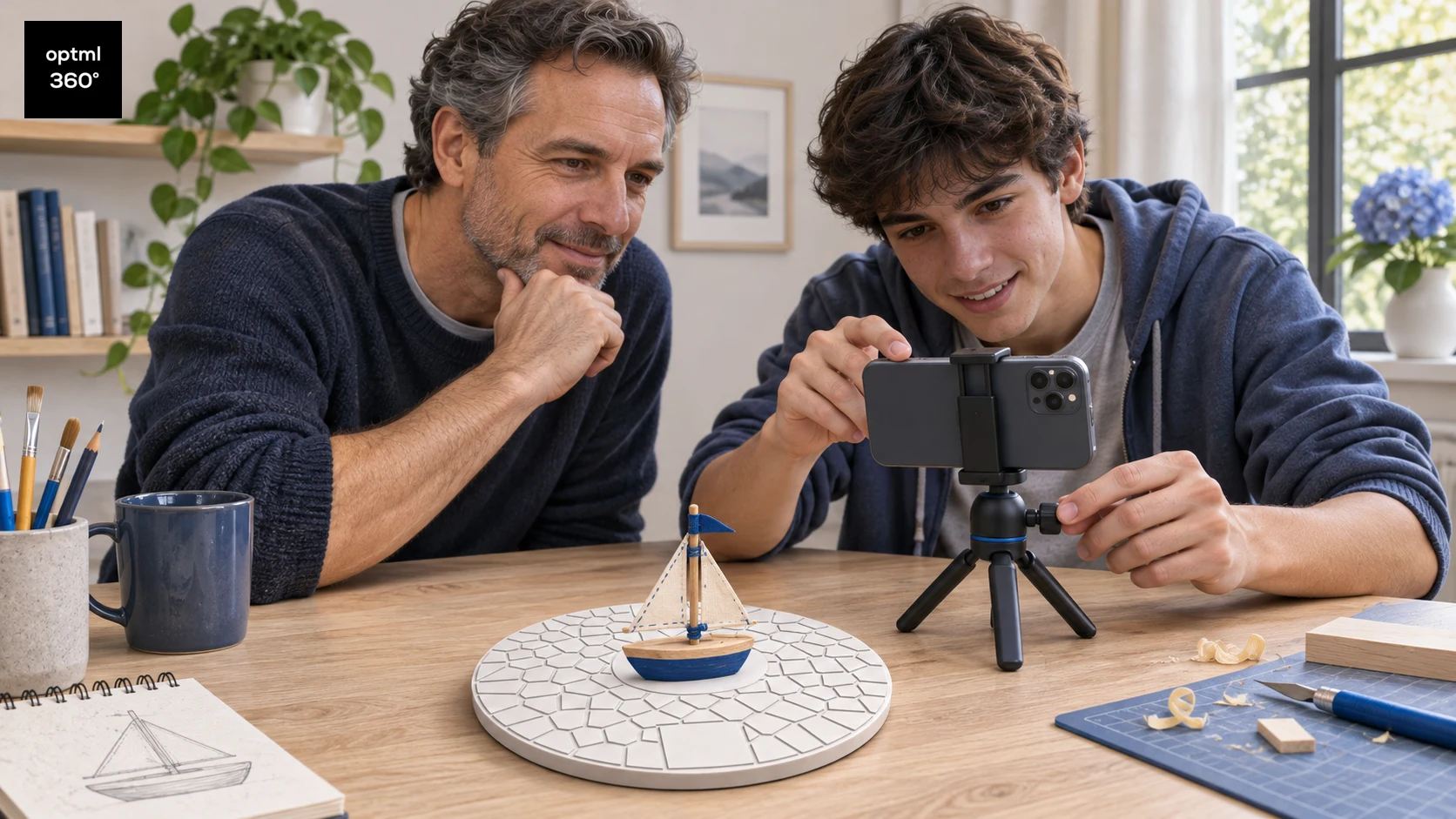
CaptureDisc as a STEM Gift for Children and Teens
Explore 3D scanning, computer vision, and scale with CaptureDisc through parent-led projects for curious children and teens, using toys, handmade models, and family sharing.
Read the guide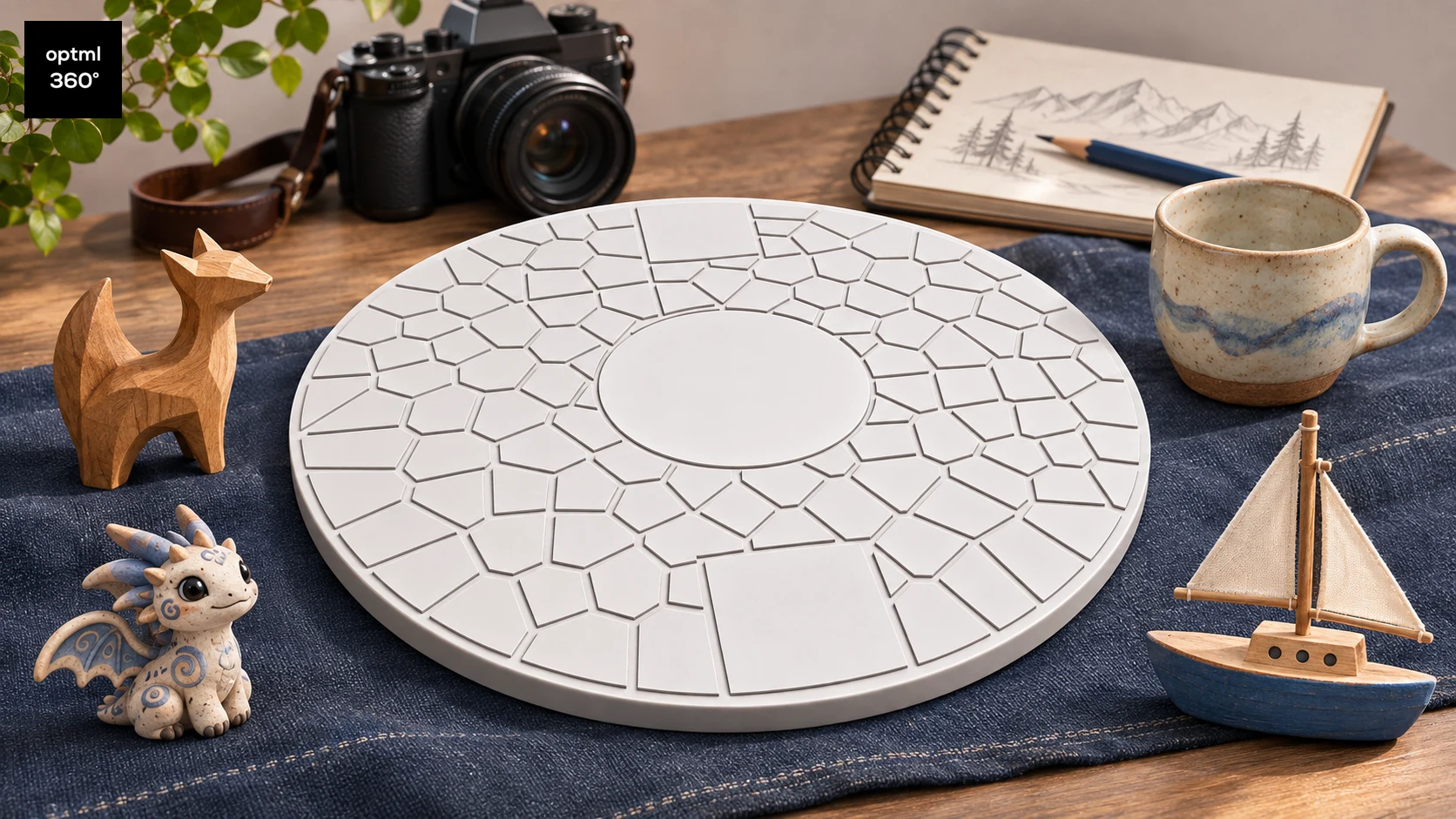
A CaptureDisc Gift Guide for Creative People
Find out who CaptureDisc suits as a gift, from 3D printing enthusiasts, collectors, artists, crafters, and sculptors to photographers and families with STEM-interested children and teens.
Read the guide
Illustrations show possible uses and workflows, not measured product results.