
CaptureDisc guide
CaptureDisc for Photographers
Add interactive 3D photography to your camera workflow and improve turntable captures with CaptureDisc for product pages, portfolios, and marketing.
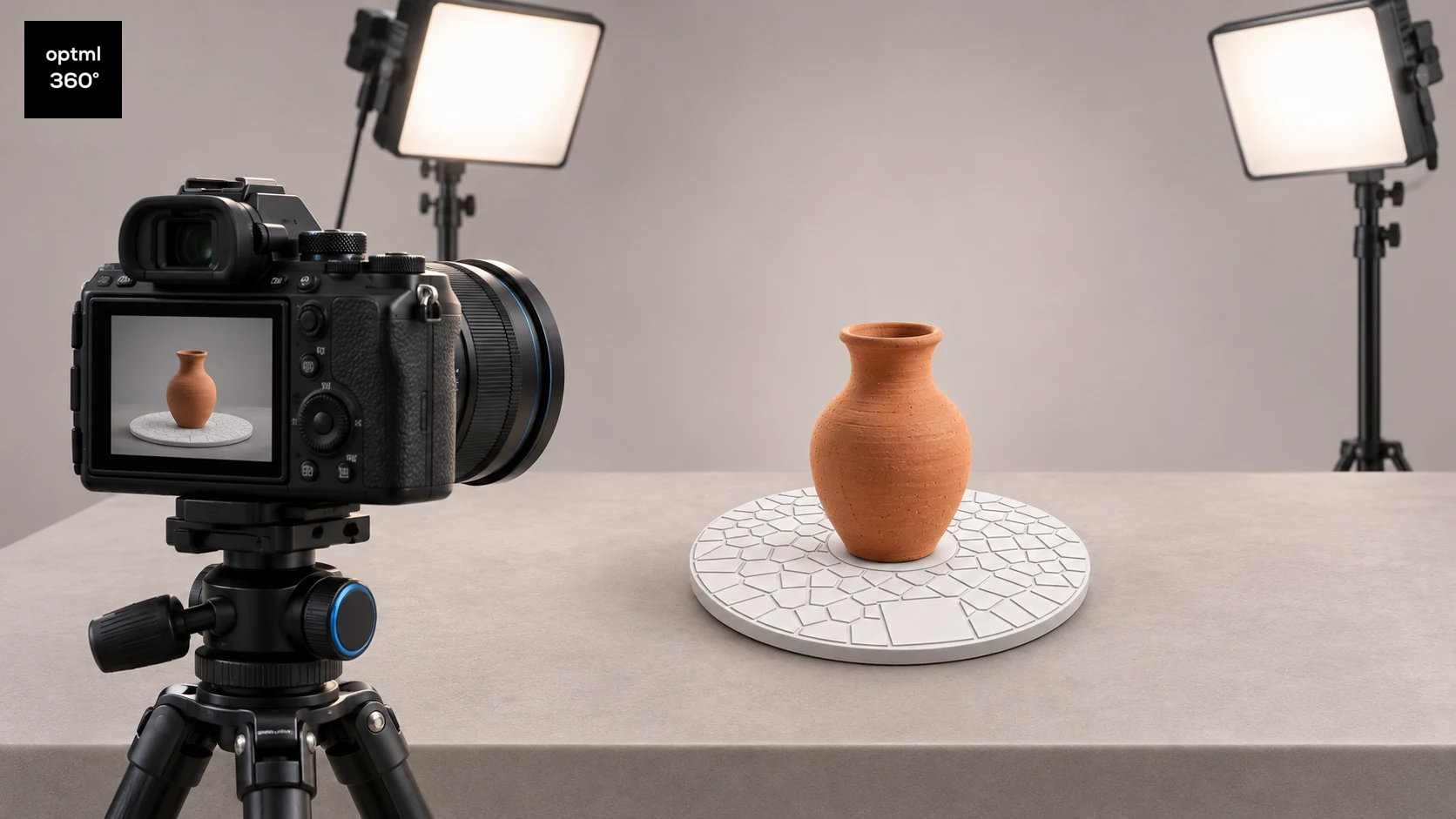
CaptureDisc gives photographers another way to use the camera, lighting, and product setup they already have. Record a subject from different angles and turn the footage into an interactive 3D capture that a viewer can explore.
For a product photographer, that creates an additional billable deliverable for an ecommerce page, a portfolio, or a marketing site. For someone exploring the new 3D photographic medium, it is a practical way to begin with familiar subjects and equipment.
Build on your existing photographic skills
Good focus, controlled light, and thoughtful composition still matter. Instead of choosing only a final viewpoint, you record enough of the subject for the viewer to explore its form. Watch how the top, sides, and lower edges are covered as the camera or subject moves.
The Optimal 360 capture apps are available for iPhone and Android, and a compatible camera-video workflow is also an option. Auto Studio and manual controls let you choose how much of the capture setup to handle yourself. A supported video workflow reduces the need to take each angle as a separate photograph.
CaptureDisc sits beneath the object as a passive visual reference. It needs no charging or pairing. Keep its pattern visible in the recording so the software can use it.
Give turntable reconstruction a clearer reference
On a studio turntable, the background can stay still while the product rotates. A smooth, reflective, or thin product may offer few reliable details for the software to follow. That can make estimating the subject's changing viewpoint more difficult, which is why CaptureDisc is patterned: it provides a visible reference to address that tracking problem.
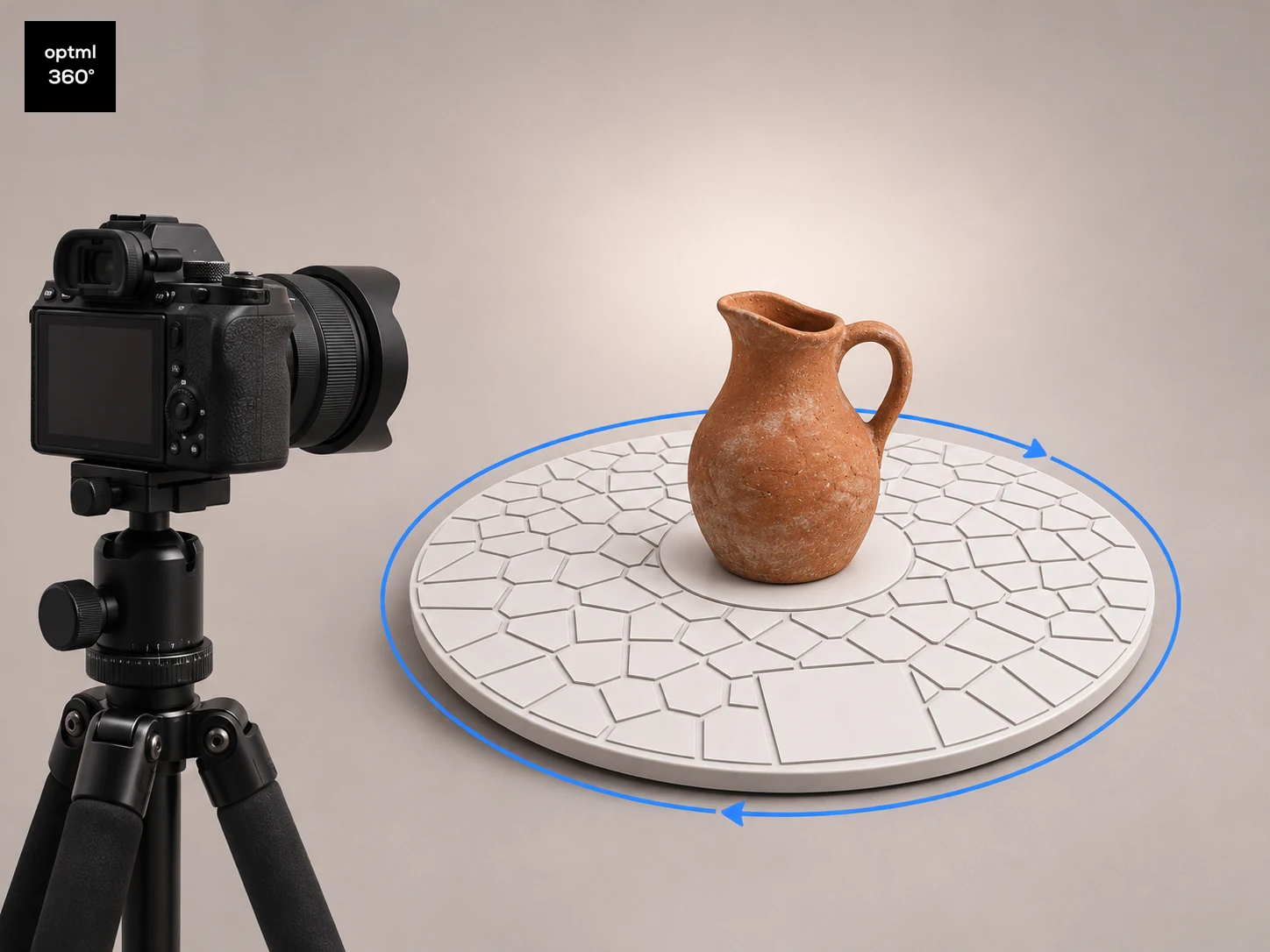
Rotate CaptureDisc with the product. Its visible pattern adds trackable detail to the moving subject, helping photo-based reconstruction estimate position and orientation from frame to frame. Better tracking can improve the resulting 3D view, especially in difficult turntable captures.
The benefit depends on the footage and subject. CaptureDisc does not fix motion blur, missing coverage, or reflections that change dramatically as the product turns. Build a clean capture first, then judge the finished result on the object you actually need to photograph. Optimal 360 gives you both 3D and Photo 360 options, so you can choose a quality deliverable for different capture scenarios.
Add a repeatable capture pass to a shoot
Place the product near the center of the disc and leave enough patterned area visible around it. Use soft, diffuse lighting and a background that separates clearly from the product. Keep the camera steady and rotate the disc and product together for a complete turn of roughly 30 seconds or longer.
Inspect a short test for sharpness and exposure before recording the full sequence. Avoid sudden movement, zoom changes, and framing that cuts off the product. If the object needs more coverage, add higher and lower viewpoints rather than assuming a single level rotation contains every surface.
Upload the recording to Optimal 360 and review the interactive result. Check thin edges, glossy areas, openings, and the top of the product. Make a note of the setup that worked so the next item in the same catalog can start from it.
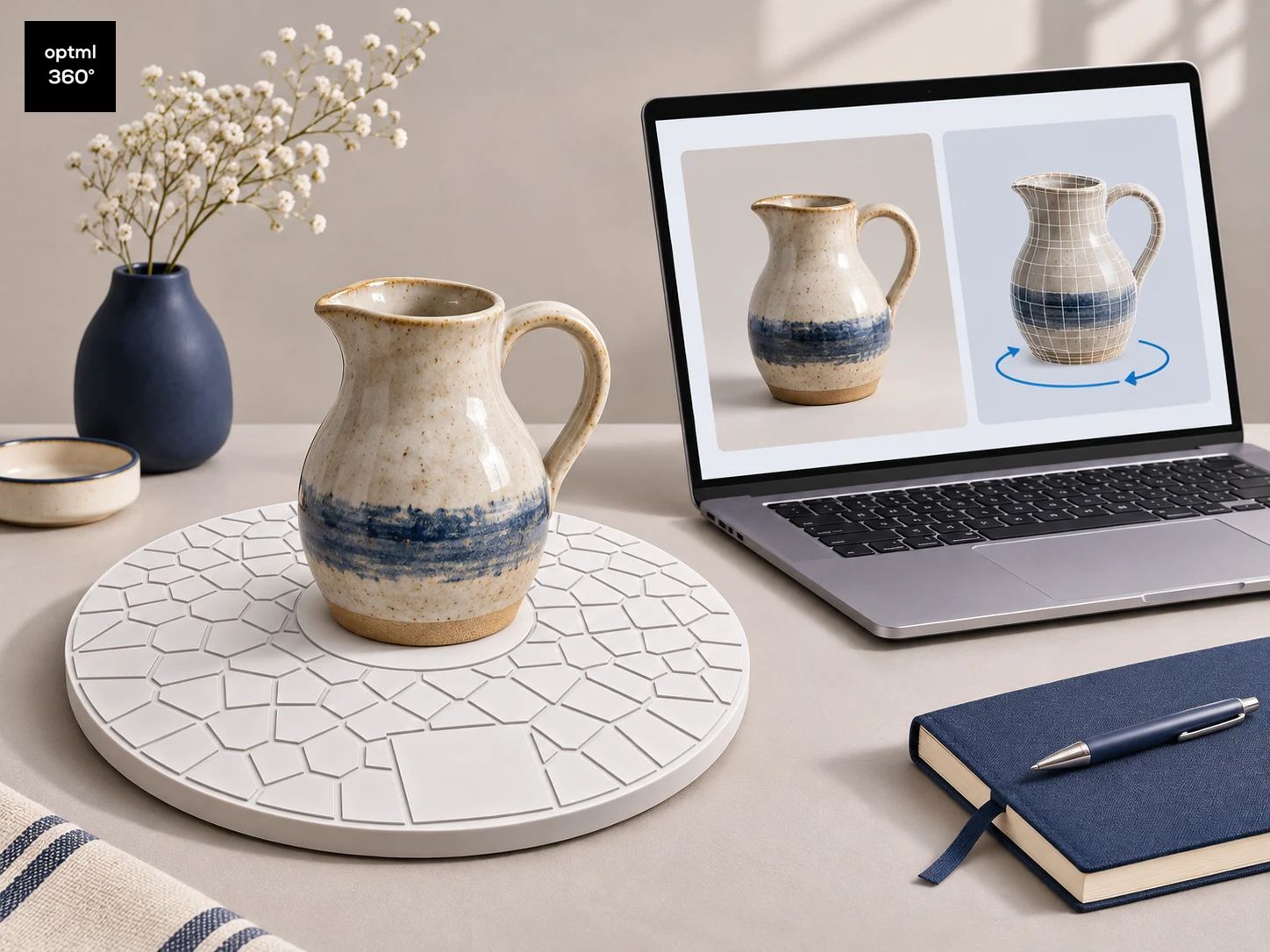
Explore a glazed pitcher in 3D
press and move to interact
Choose the deliverable with the client
An interactive 3D view lets a visitor explore the object's form. A photo 360 gives a sequence of photographic angles. Both can sit alongside still images, but they answer different presentation needs. Agree on the intended experience before deciding what to capture and how to deliver it.
For an ecommerce or marketing site, confirm the embed method, service plan, hosting arrangement, and approval process. Optimal 360 offers integrations and web embeds, including Shopify and WooCommerce workflows. Test the result on the actual page and devices that matter to the client.
CaptureScale adds real-world scale, with View in Room (AR) on iPhone and Android devices, bringing a familiar consumer AR experience to your product showcases. Industry evidence shows that conversion uplifts are a likely outcome for 3D and AR interactive showcases on products. Shopify reported an average 94% conversion lift among merchants who added 3D content to their stores.
A small addition to a photography kit
CaptureDisc can be a good gift for a photographer who enjoys experimenting, or for someone building a small product studio. It invites a specific first project: take a familiar object, record it with existing equipment, and turn it into a view another person can explore.
Check the disc size, supported capture workflow, and separate service-plan requirements before ordering. A compact tabletop subject is a useful starting point; a successful test is more informative than assuming every product will behave the same way.
Explore CaptureDisc and try one interactive capture alongside your next set of product photographs.
CaptureDisc guides for your interests
Explore ideas for your next project, or find a thoughtful gift for someone who loves creating.
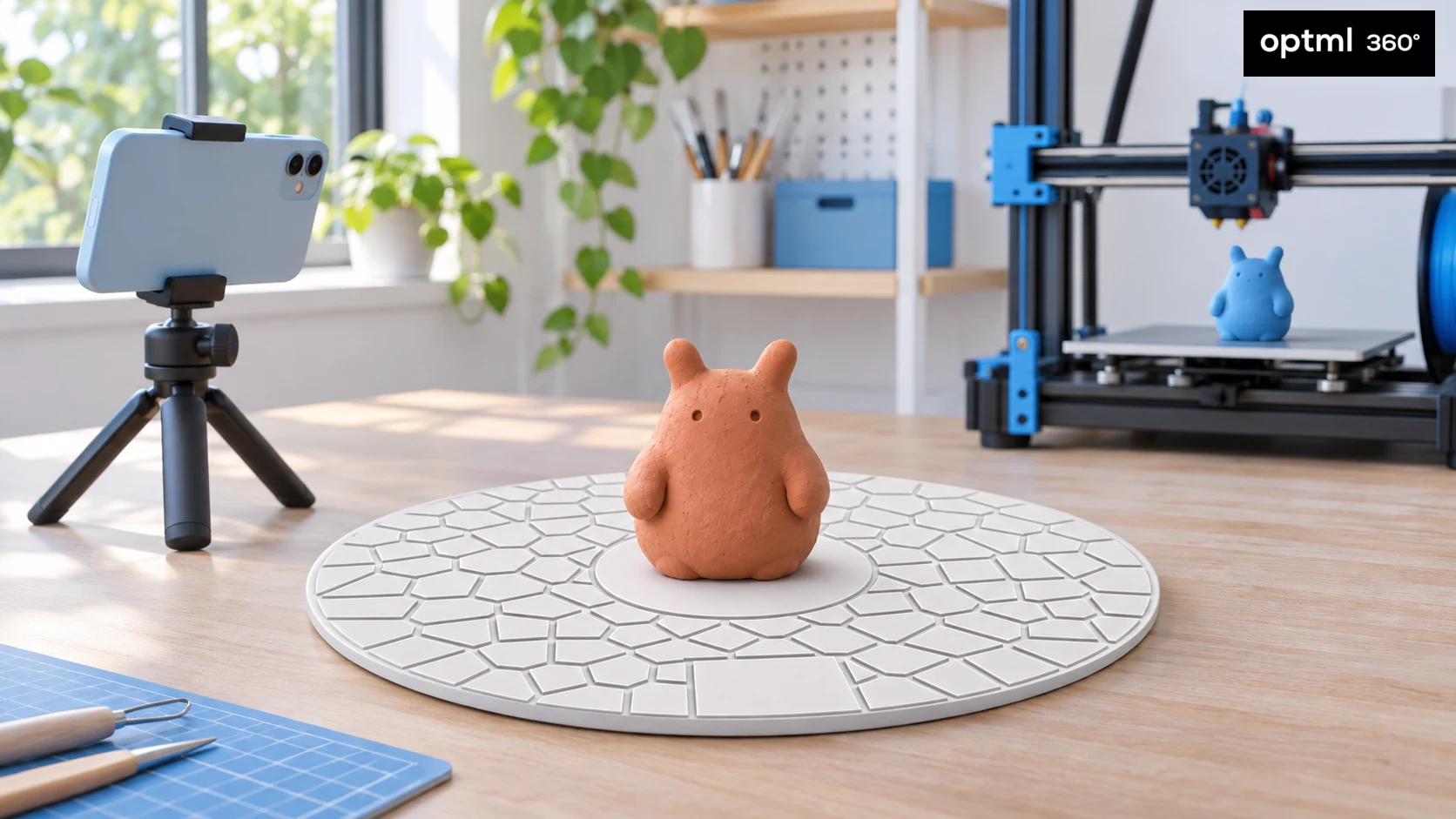
CaptureDisc for 3D Printing Enthusiasts
Bring your creations into 3D printing with CaptureMesh for printable models and CaptureScale for accurate scale and close reproduction.
Read the guide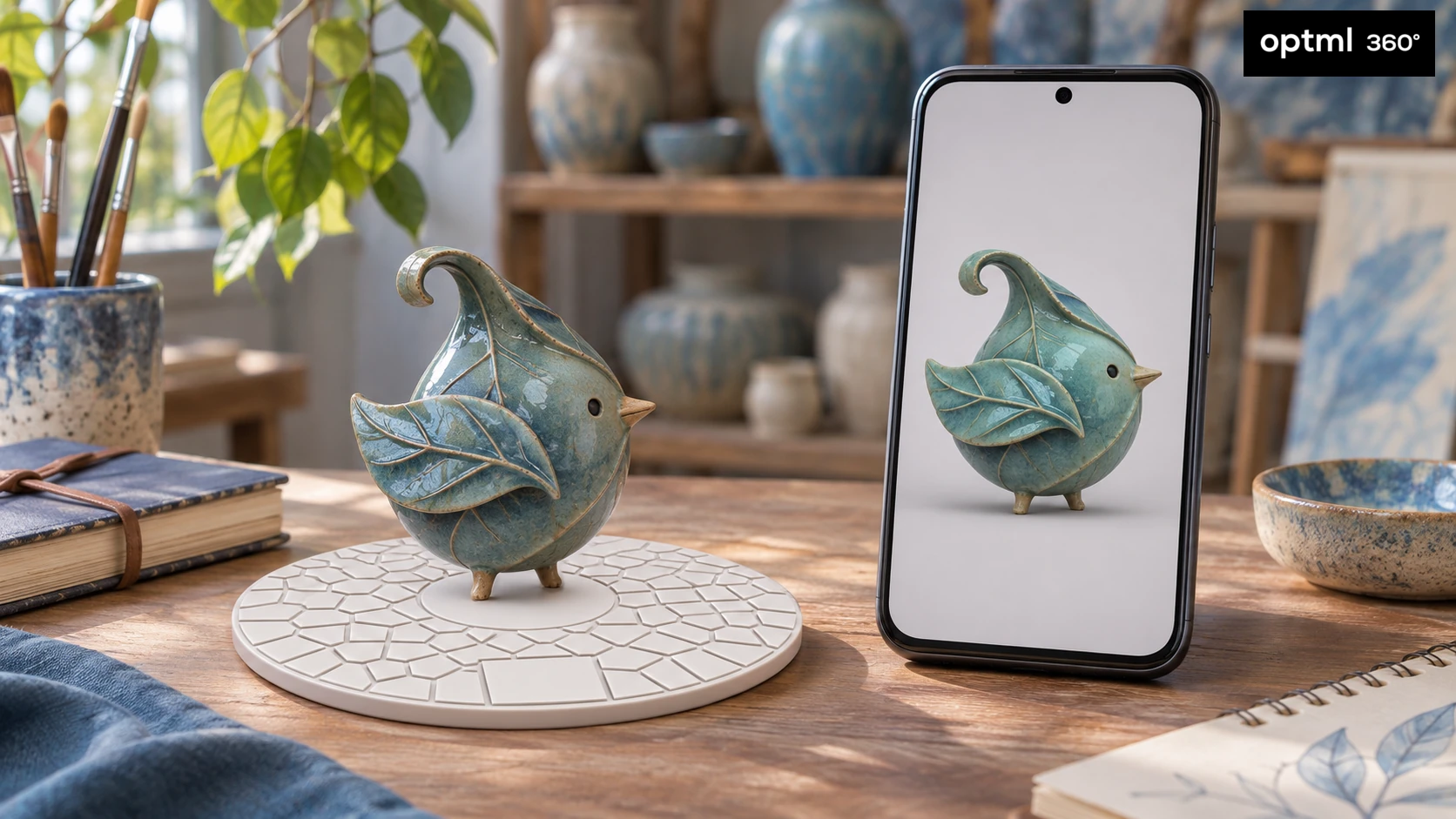
CaptureDisc for Collectors, Artists, Crafters and Sculptors
Capture collectibles, art, crafts, and sculptures in 3D. Share every angle and explore real-world scale with CaptureScale View in Room.
Read the guide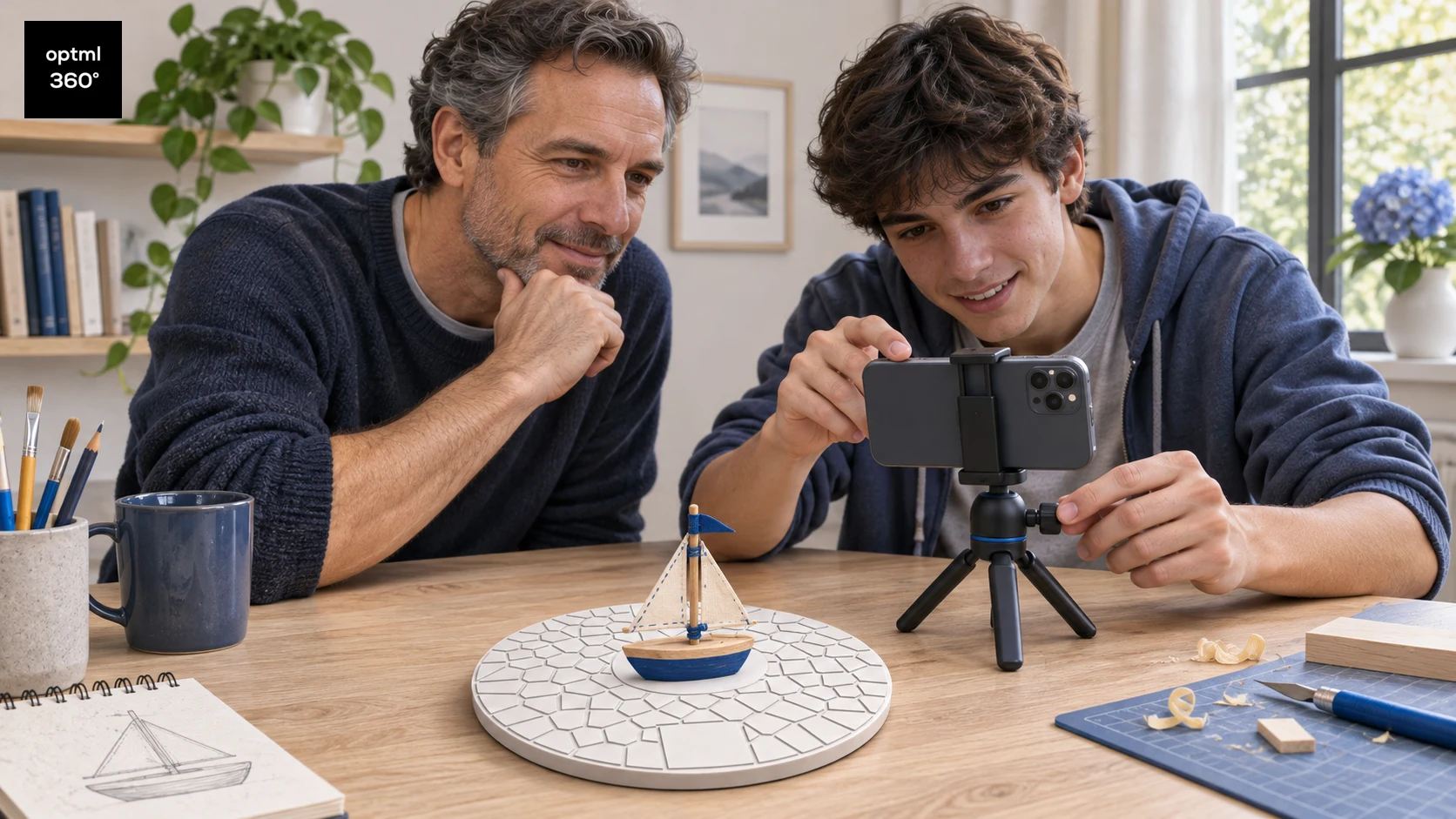
CaptureDisc as a STEM Gift for Children and Teens
Explore 3D scanning, computer vision, and scale with CaptureDisc through parent-led projects for curious children and teens, using toys, handmade models, and family sharing.
Read the guide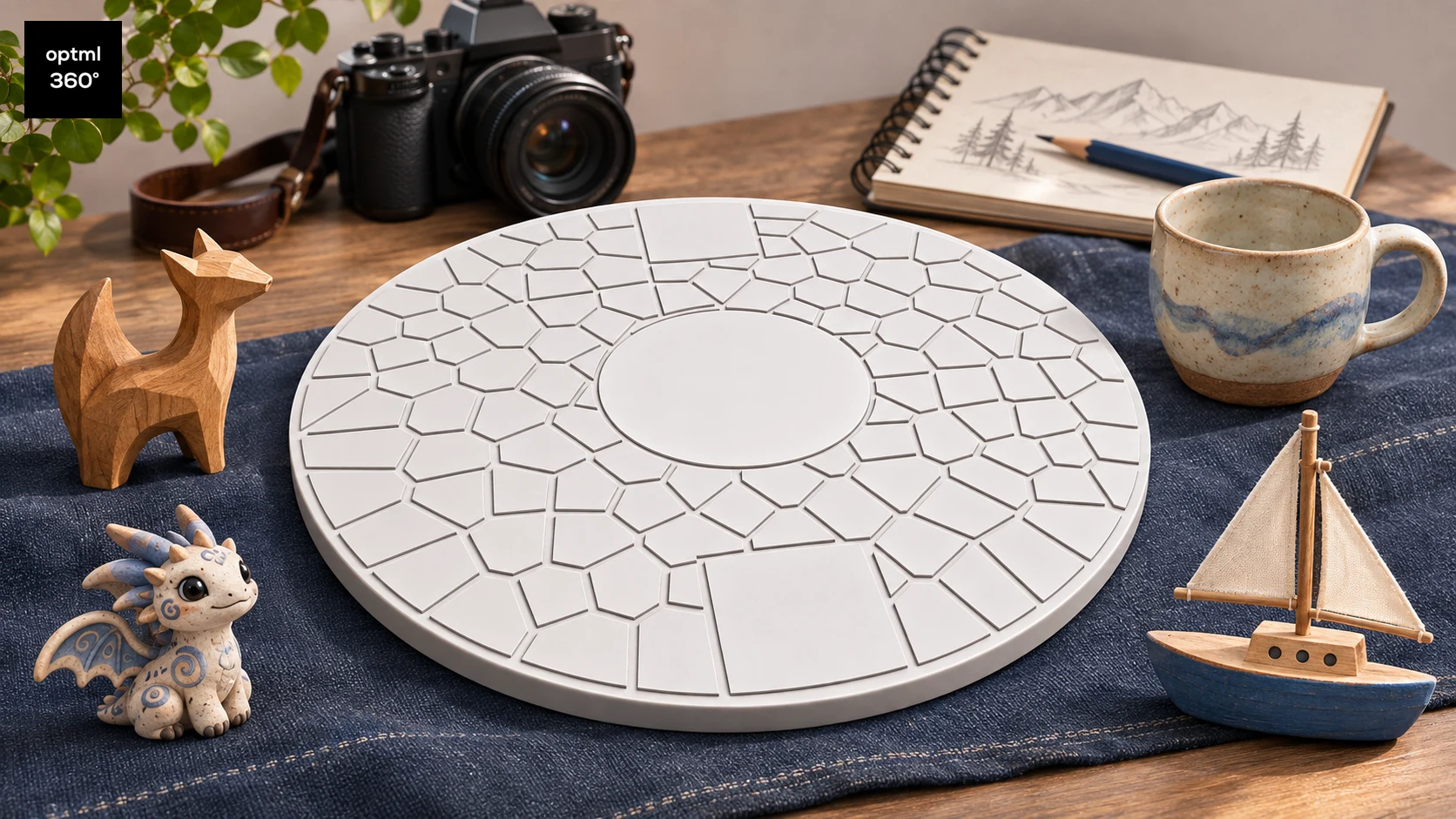
A CaptureDisc Gift Guide for Creative People
Find out who CaptureDisc suits as a gift, from 3D printing enthusiasts, collectors, artists, crafters, and sculptors to photographers and families with STEM-interested children and teens.
Read the guide
Illustrations show possible uses and workflows, not measured product results.